Over-the-Shoulder Shot
Over-the-Shoulder Shot Over-the-shoulder angle OTS shot
Composition & FramingA compositional technique in photography and film that uses the shoulder and back of the head of a foreground character as a frame, focusing on the opposing character or subject. It is commonly used in dialogue scenes to establish spatial relationships.
Also known as: Over-the-shoulder angle · OTS shot
- Midjourney
- Sora
- Kling
- Runway
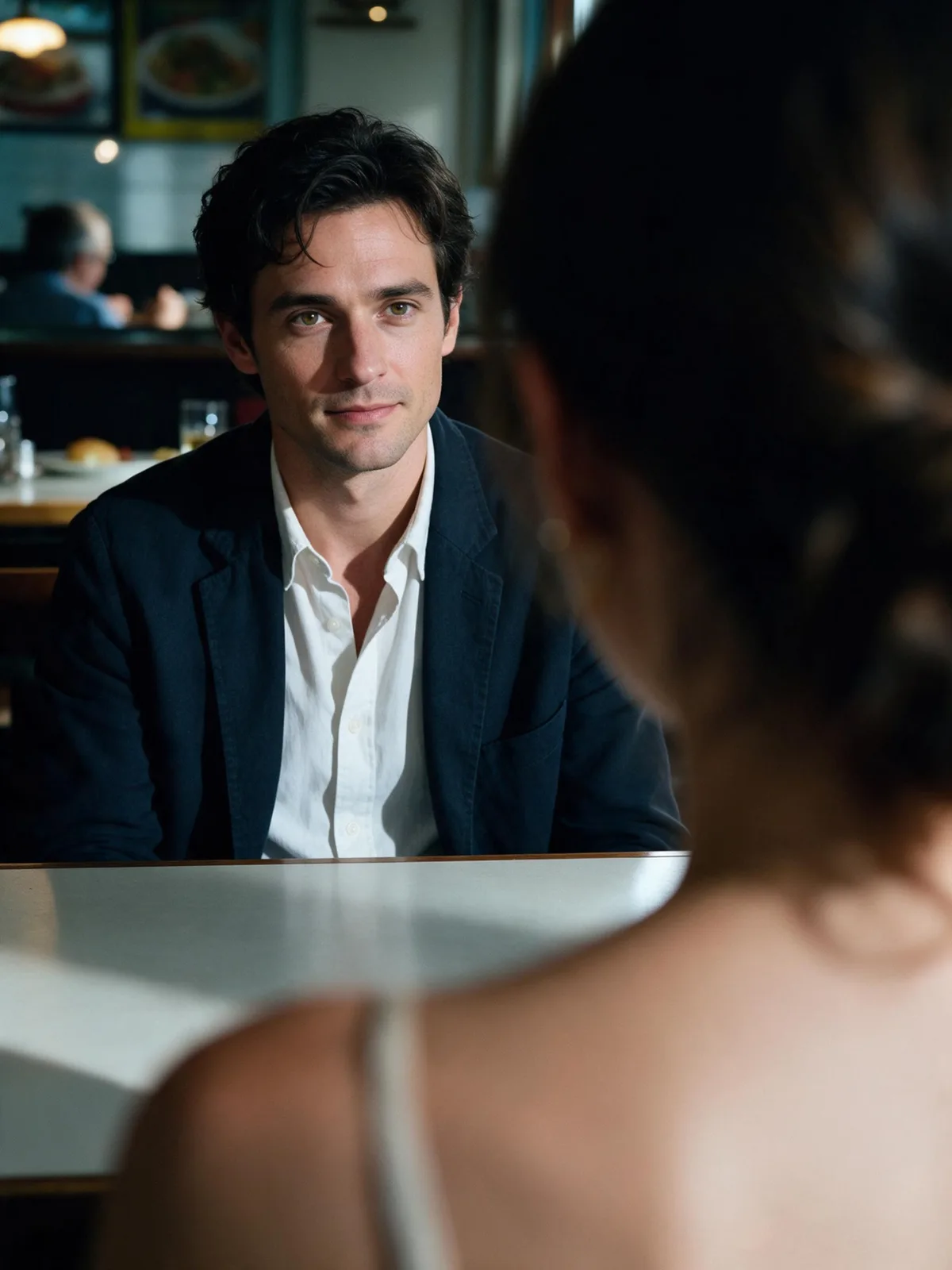
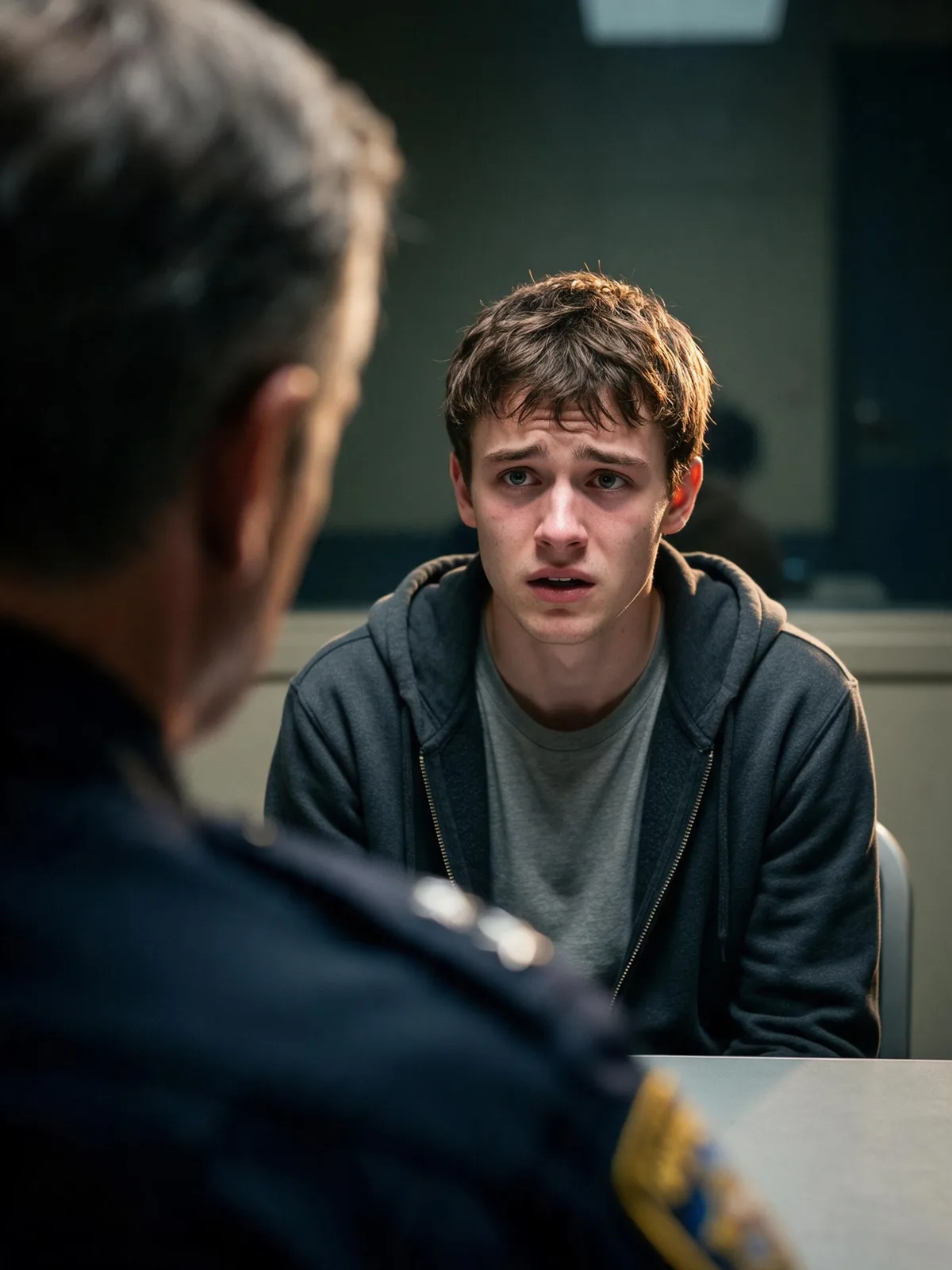
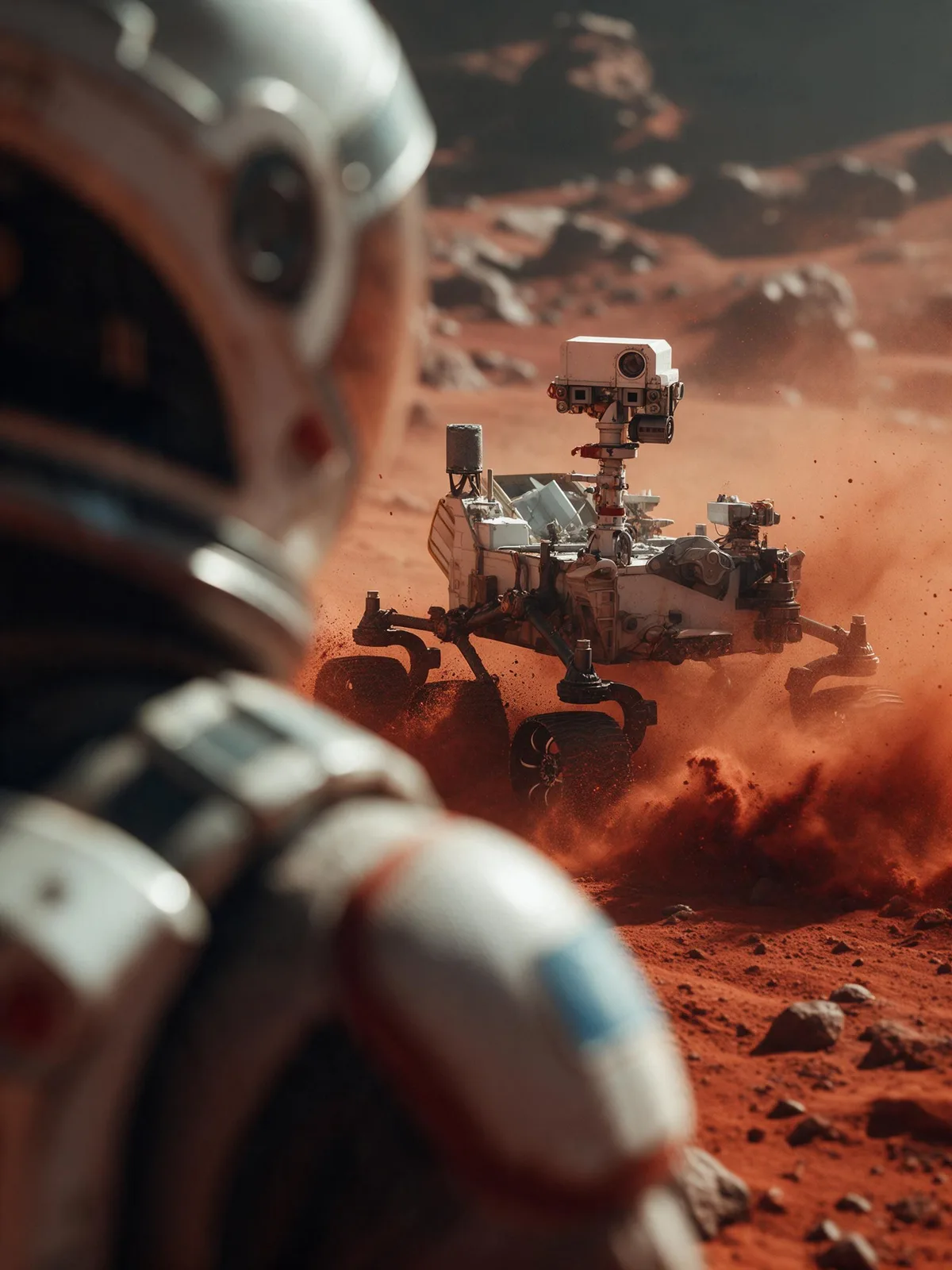
Prompt snippets
Over-the-shoulder shot, a woman looking at a man sitting across the table, the woman's shoulder and back of head are in the blurred foreground, sharp focus on the man's face, cinematic lighting, 85mm lens, depth of field --ar 16:9Over-the-shoulder shot in a dimly lit diner. The camera is positioned behind a detective, showing his shoulder and the back of his head in the foreground. In the midground, a suspect sits across the table, looking nervous. The detective slowly leans forward. Cinematic, realistic, shallow depth of field.Over-the-shoulder shot in a dimly lit diner. The camera is positioned behind a detective, with his shoulder and the back of his head in the blurred foreground. In the midground, a suspect sits across the table, looking nervous, with his face in sharp focus. Cinematic, shallow depth of field, realistic style.Over-the-shoulder shot, camera positioned behind a character, focusing on the person facing the camera in the background. Cinematic lighting, realistic, 4k, slight camera push in.
What it is
An Over-the-Shoulder Shot (OTS) is a compositional and framing technique that uses the shoulder, back of the head, or hair of a foreground character as a frame, directing the visual focus to the opposing character or subject. It is essentially a Medium Shot or Medium Close-up with foreground occlusion.
Visual and emotional effect
This shot clearly establishes the physical distance and spatial relationship between the two parties in a conversation. The physical occlusion by the foreground character creates an objective ‘bystander’ perspective, while also giving the frame a strong sense of presence and immersion. Compared to direct shot-reverse-shot close-ups, an Over-the-Shoulder Shot reduces the pressure of direct eye contact, retains environmental information, and gives the frame more breathing room and narrative tension.
When to use it
Commonly used in two-person dialogues, interviews, interrogations, or secret observation scenes. In AI image and video generation, when you need to construct a two-person composition with a logical sense of interaction and want to avoid the image looking like ‘two independent decals pasted together,’ the Over-the-Shoulder Shot is the best choice for establishing spatial coherence.
Prompt tips
You must clearly define the relative positions of the foreground and background. Use terms like over-the-shoulder shot or view from behind to establish the perspective. At the same time, be sure to emphasize the focal point (e.g., sharp focus on the person facing the camera) and specify the occluding parts of the foreground character (e.g., shoulder and back of head) to guide the AI in correctly constructing the depth of field.
Common mistakes
AI often ignores perspective constraints, generating ‘front faces’ for both characters looking directly at the camera, or making the foreground character’s shoulder disproportionately sized and blending it into the background. The solution is to strictly constrain the foreground character’s orientation in the prompt (e.g., one person facing away from camera) and explicitly state that the foreground is out of focus (blurred foreground).