Shallow Depth of Field
Shallow Depth of Field Background Blur Shallow Focus Shallow DOF Bokeh
Composition & FramingA photographic and cinematic optical effect where only a very small range of the subject is in sharp focus, while the foreground and background appear softly blurred, used to forcefully highlight the subject.
Also known as: Background Blur · Shallow Focus · Shallow DOF · Bokeh
- Midjourney
- Sora
- Kling
- Runway
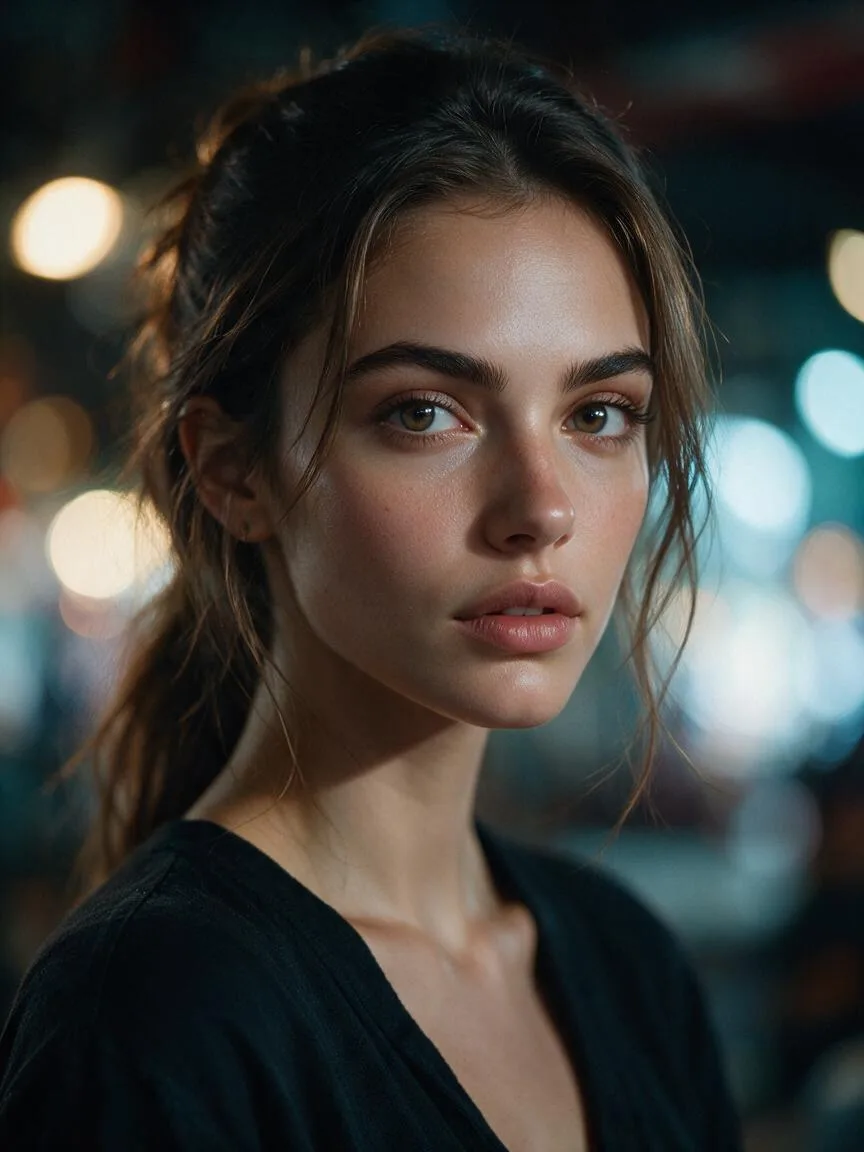
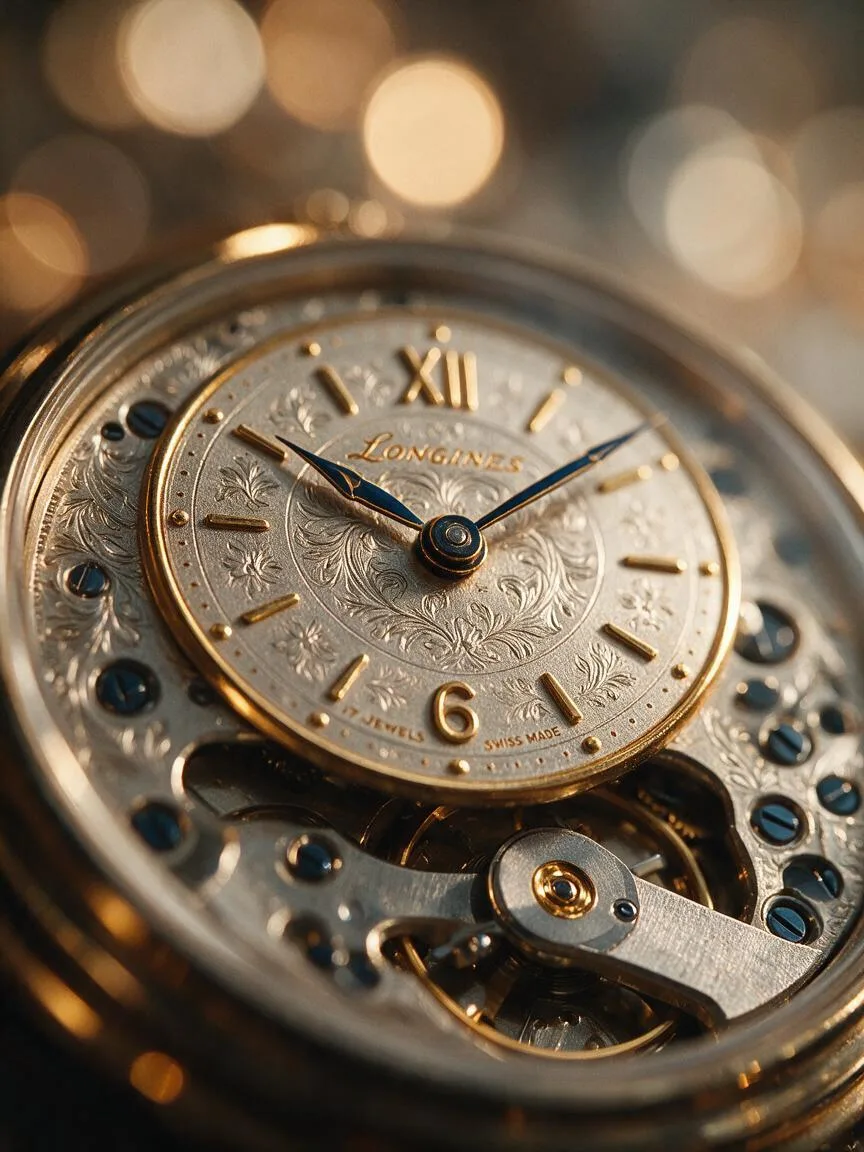
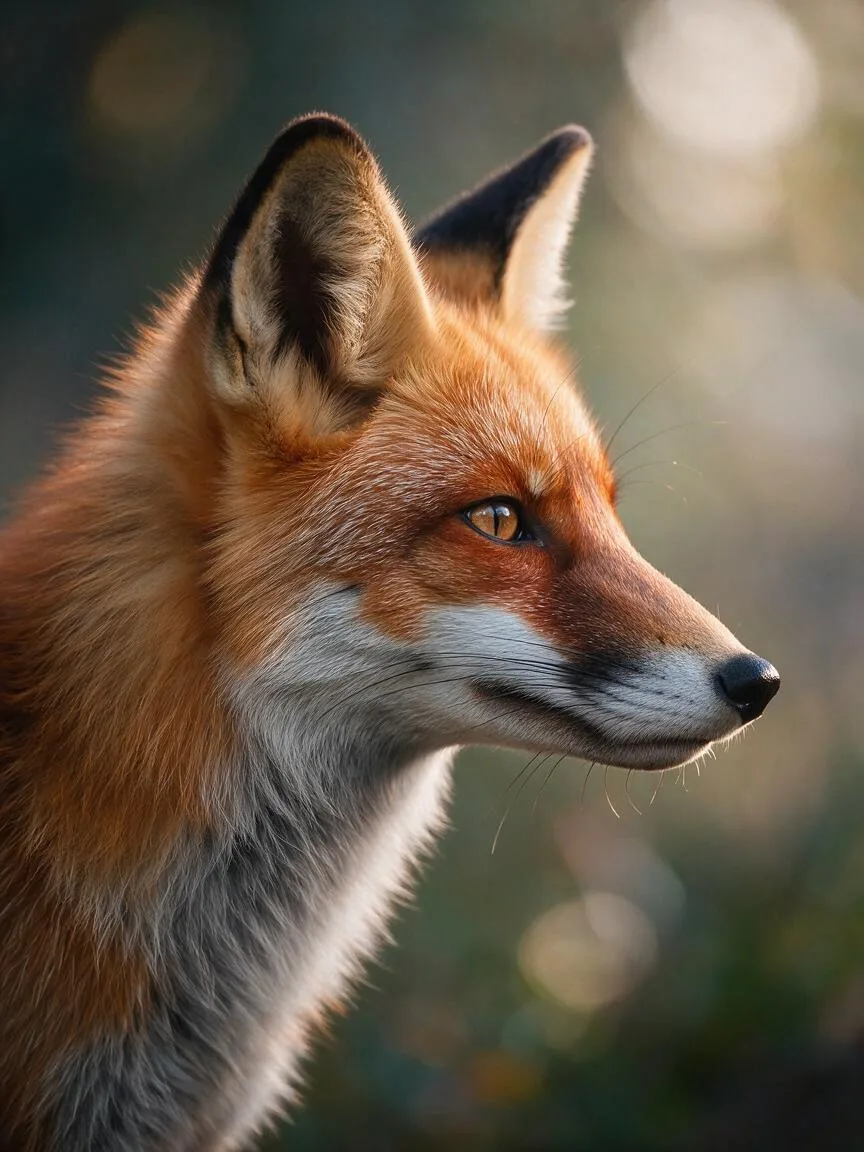
Prompt snippets
portrait of a young woman, shallow depth of field, 85mm lens, f/1.4, beautiful bokeh background, highly detailed face, cinematic lighting --ar 16:9A cinematic close-up of a blooming red rose, shallow depth of field, the background is a softly blurred green garden, gentle breeze, 4k, photorealistic.Cinematic close-up shot, shallow depth of field, sharp focus on the subject's face, beautiful bokeh effect from city neon lights in the background, 85mm lens, large aperture.Cinematic shot, shallow depth of field, a person standing in the rain, sharp focus on the person, blurred neon lights in the background, slow motion, 4k.
What it is
Shallow Depth of Field is a photographic and cinematic optical effect where only a very small range of the subject is in sharp focus, while the foreground and background appear softly blurred. It is achieved using a wide aperture or a telephoto lens, serving as a core technique for controlling visual focus.
Visual and emotional effect
Visually, it isolates the subject by stripping away distracting background clutter, locking the viewer’s attention on the sharp focal point. Emotionally, it carries an inherent cinematic and intimate feel. The blurred background lights (bokeh) can create a romantic, dreamy, lonely, or suspenseful atmosphere, giving a strong illusion of three-dimensional depth to a two-dimensional image.
When to use it
- Portrait photography: To highlight facial expressions or eye contact while blurring the background environment.
- Close-up shots: To capture product details or small objects, emphasizing texture.
- Complex environments: To hide background clutter or imperfections during on-location shoots.
- Video transitions: To simulate the subjective perspective of the human eye focusing or losing focus.
Prompt tips
In image tools, beyond simply typing shallow depth of field, adding physical parameters significantly boosts realism. For example, combine it with 85mm lens (a classic portrait focal length), f/1.4 (wide aperture), and bokeh. In video tools, emphasize the spatial distance between the subject and the background, such as subject in sharp focus, distant blurred background, to prevent the AI from incorrectly blending the subject with the background.
Common mistakes
- Reversed aperture values: Writing
f/16in the prompt increases the depth of field (keeping everything in focus). For a shallow depth of field, you must use small numbers likef/1.2orf/1.4. - Blurred subject: The AI sometimes over-blurs, causing the subject’s edges to lose focus. Add
sharp focus on subjectorcrystal clear faceto pull the focus back.