Before and After
Before and After Before and After Image Before After Comparison Split Comparison
E-commerce VisualsAn image format in e-commerce visuals that places the before and after states of a product side-by-side in the same frame, using intuitive contrast to demonstrate product efficacy.
Also known as: Before and After Image · Before After Comparison · Split Comparison
- Midjourney
- Flux
- Dreamina
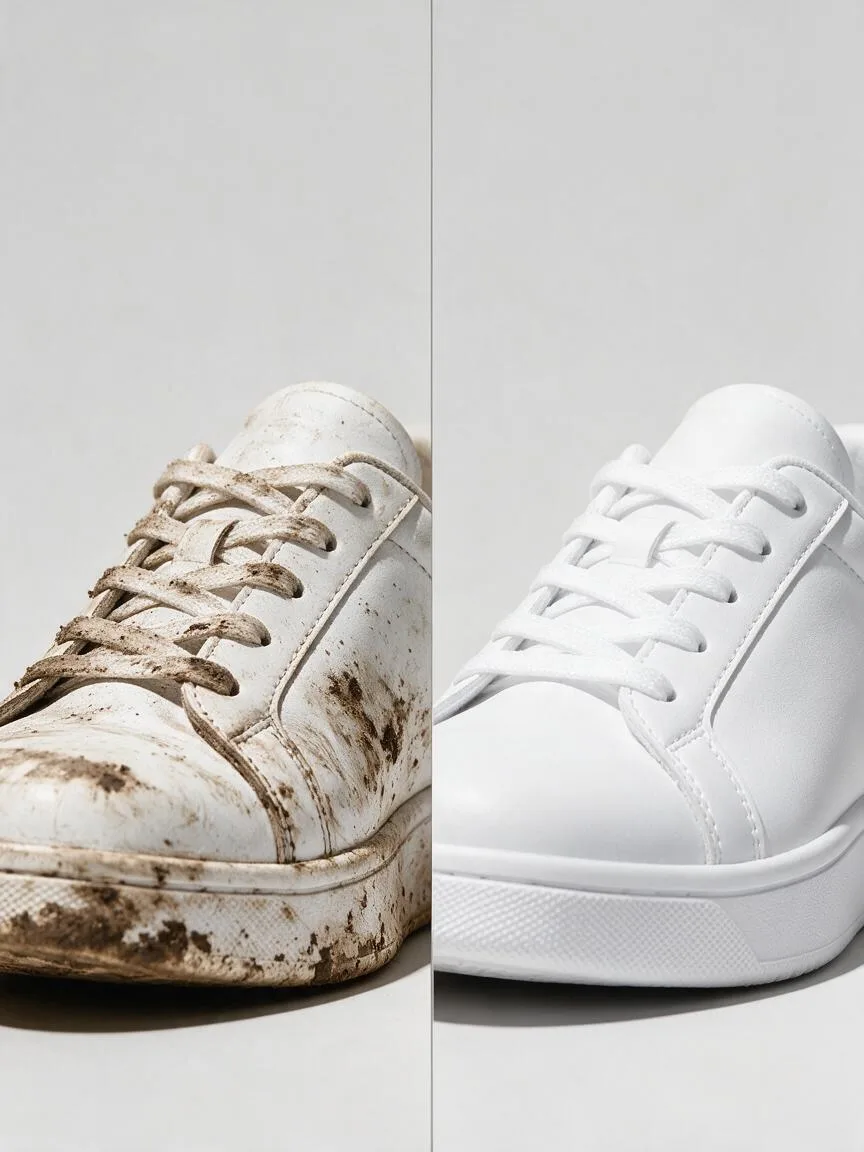

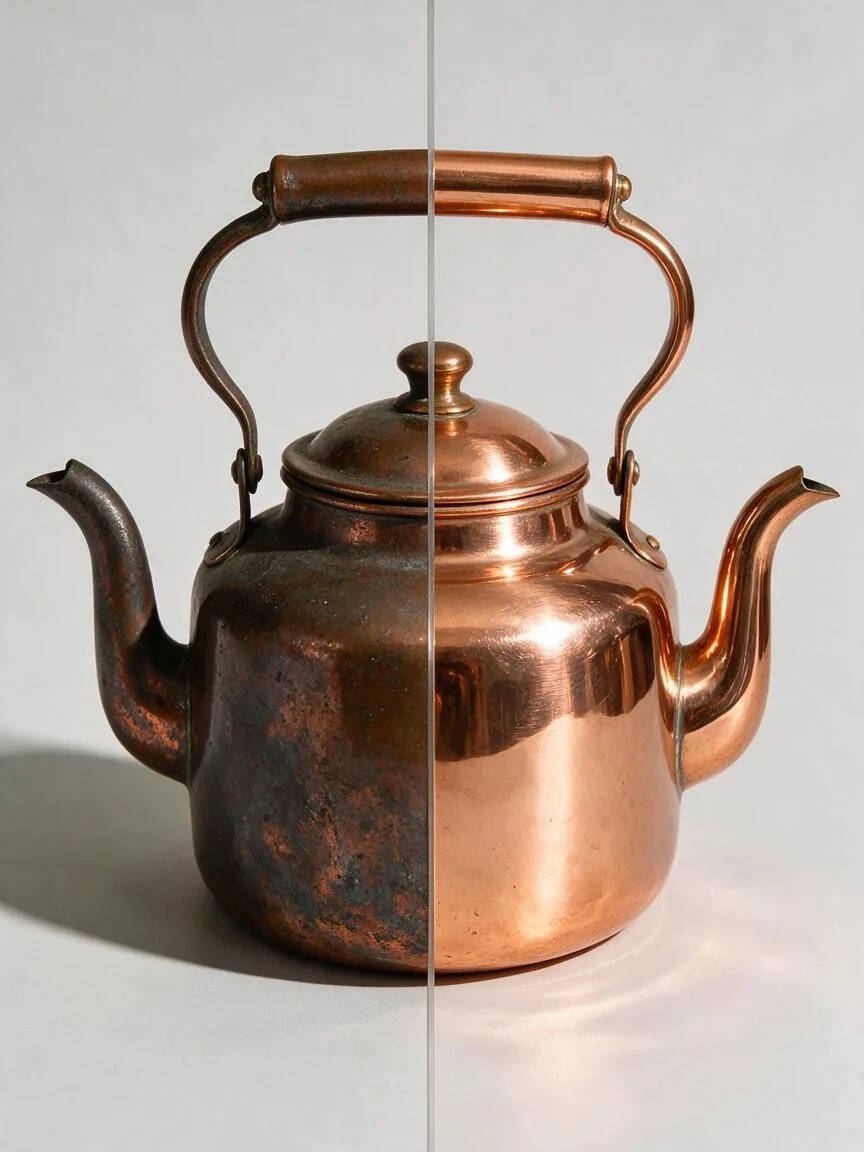
Prompt snippets
split-screen before and after image of the same white sneaker from an identical angle, left half muddy and scuffed, right half spotless and bright white, a thin vertical divider line in the middle, identical framing and lighting on both halves, bright even high-key light, plain light grey background, no text, no labels --ar 1:1 --style rawA split-screen before and after image of the same white sneaker from an identical angle: the left half is muddy and scuffed, the right half spotless and bright white, with a thin vertical divider line in the middle. Framing and lighting are identical on both halves, in bright, even high-key light on a plain light grey background. No text, no labels.Split-screen before and after image of the same white sneaker from an identical angle. The left half is muddy and scuffed, the right half spotless and bright white, with a thin vertical divider line in the middle. Framing and lighting are completely identical on both halves, using bright, even high-key lighting on a plain light grey background. No text or labels in the image.
How this look is built
Open in the builder ›An ad look is not one style word but the combination below. Opening it fills the matching slots; the subject is yours to write.
- CompositionSymmetrical CompositionUsing the same camera position and composition for both halves ensures the only difference is the effect itself.
- StyleMinimalismRemoving the background and props directs the viewer's attention solely to the change.
- LightingHigh-Key LightingUsing the same bright, even lighting for both halves prevents the change from being attributed to lighting differences.
What it is
A Before and After image is an image format in e-commerce visuals that places the pre- and post-use states of a product side-by-side or on the same screen, using intuitive contrast to demonstrate product efficacy. It is commonly used in categories with strong efficacy orientation, such as beauty, cleaning, fitness, and restoration.
Visual and emotional effect
By creating a strong visual contrast (such as dirty vs. clean, or dull vs. bright), it instantly captures the user’s attention. This format directly triggers the user’s expected outcome, effectively reducing cognitive load, building trust in the product’s efficacy, and ultimately improving conversion rates.
When to use it
Suitable for scenarios that need to prove a product’s ability to change the current state. Examples include skin improvement in skincare Product Detail Pages, stain removal demonstration for cleaning agents, or renovation effects for furniture repair products. It is not suitable for apparel or 3C digital products that only emphasize external design.
Prompt tips
- Define the split: Use terms like
split screenorside-by-sideto constrain the layout. - Maintain subject consistency: Emphasize
same productandidentical angleto ensure the subject’s position, size, and angle are completely identical before and after, avoiding the illusion of a bait-and-switch. - Highlight contrasting details: Specifically describe the state differences (e.g.,
dull skin vs glowing skin) to help the AI generate details with higher contrast.
Common mistakes
- Subject mismatch: AI tends to alter the product’s angle or lighting when generating comparison images, making the before and after look like different items. This needs to be corrected through inpainting or post-production compositing.
- Violating platform rules: Some e-commerce platforms (such as specific beauty or medical device categories) strictly prohibit the use of exaggerated before and after images. Ensure compliance with platform regulations before production.