Watercolor
Watercolor Watercolor painting Watercolor illustration Watercolor wash Wet-on-wet watercolor
Image StylesA water-based painting style. In AI generation, it is characterized by translucent color bleeding, visible paper texture, and delicate water mark edges.
Also known as: Watercolor painting · Watercolor illustration · Watercolor wash · Wet-on-wet watercolor
- Midjourney
- DALL-E 3
- Kling
- Dreamina
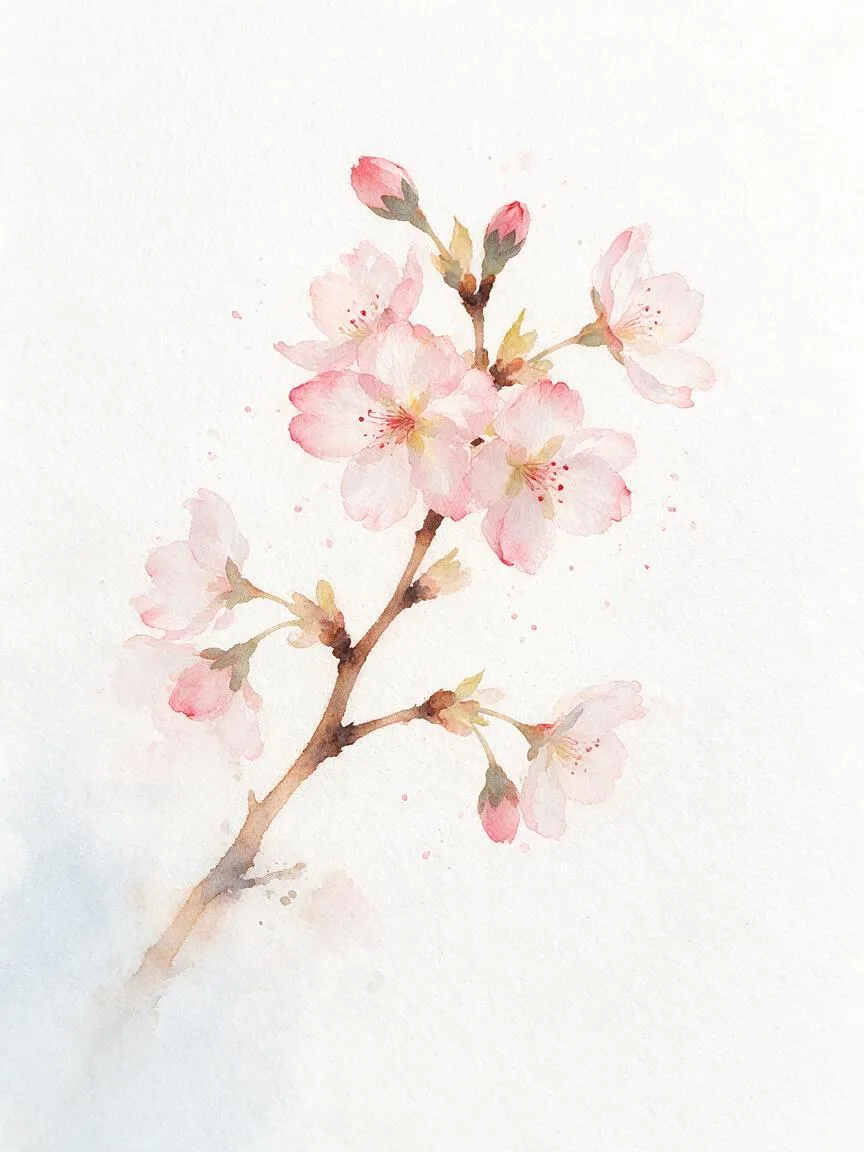
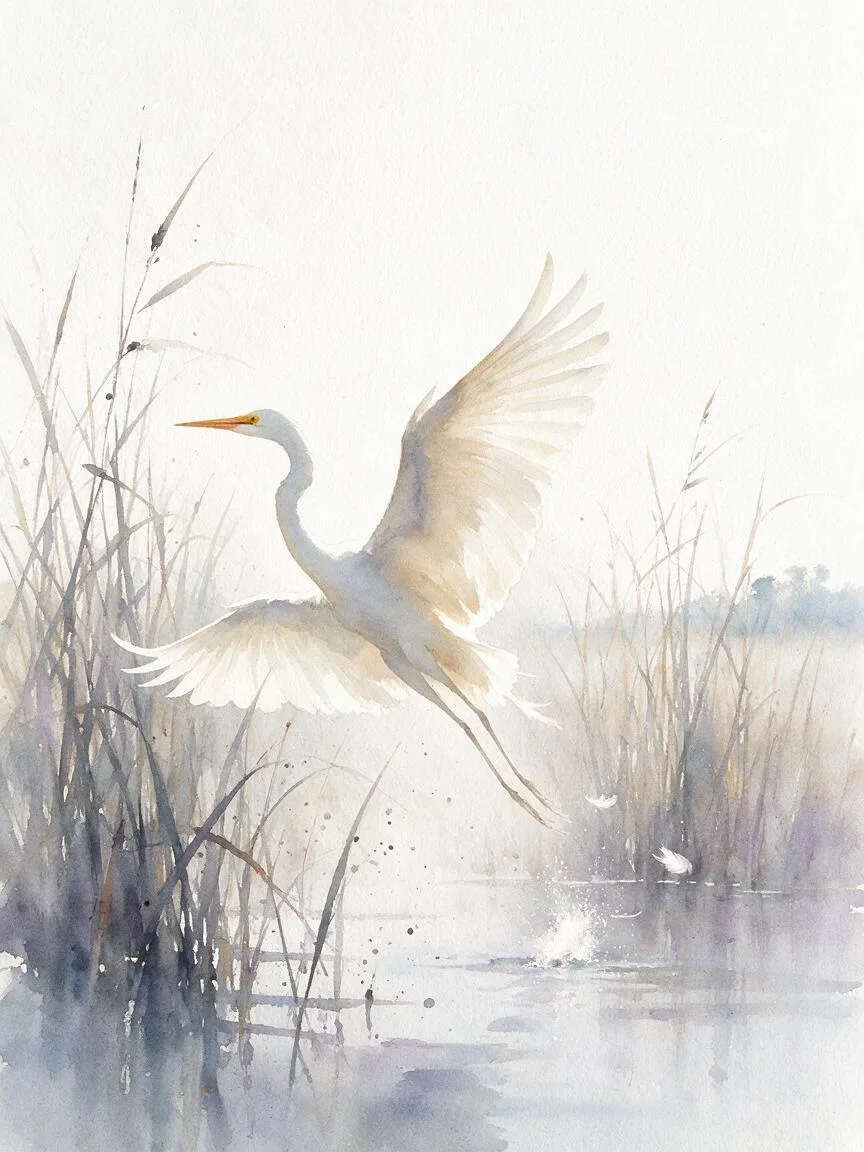
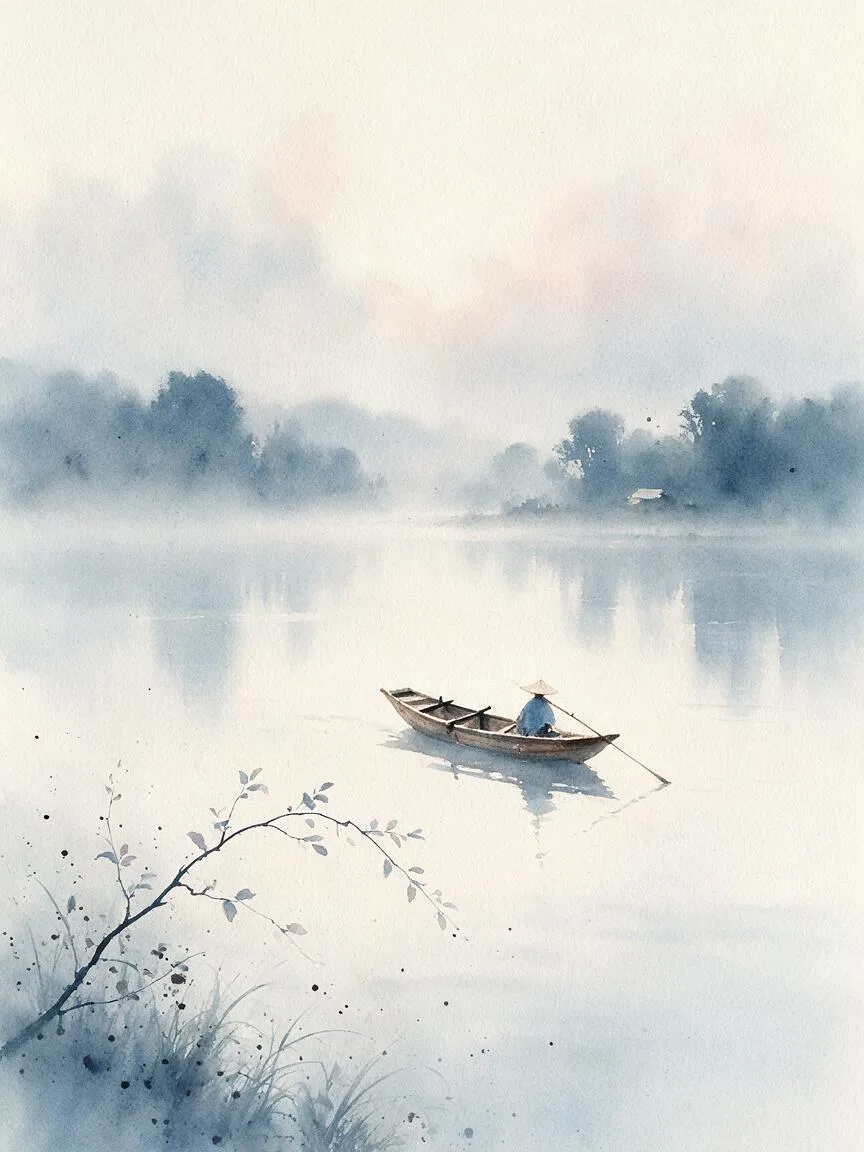
Prompt snippets
a delicate watercolor painting of a blooming cherry blossom branch, wet-on-wet technique, soft color bleeding, visible paper texture, subtle ink splatters, generous white space, masterpiece --ar 3:4 --v 6.0A watercolor illustration of a quiet coastal village at dawn. Soft pastel colors, visible brush strokes, paper texture, gentle color bleeds at the edges, minimalist background with unpainted white spaces.A watercolor illustration of a quiet coastal village at dawn. Soft Macaron Colors, visible brush strokes, rough paper texture, gentle color bleeding at the edges, minimalist background, preserving large unpainted white spaces.Watercolor style, a blooming peony flower, wet-on-wet technique, natural color blending and bleeding, slight water marks at the edges, background of grainy rough watercolor paper, generous white space, fresh and elegant, high detail.
What it is
Watercolor is a traditional painting form that uses water as a medium to mix pigments. In AI image generation, it is more than just a style tag; it represents a specific set of visual physical characteristics: semi-transparent color layering, natural water bleeding, edge diffusion and sedimentation, and the showing through of the underlying paper texture.
Visual and emotional effect
The watercolor style inherently carries a sense of lightness, transparency, and fluidity. The uncontrollability of water gives the image a unique “aesthetics of chance” (such as natural water stains, dry brush effects, and color blending). Emotionally, it usually conveys a tone of freshness, artistic flair, dreaminess, tranquility, or nostalgia, possessing a strong human warmth and hand-drawn affinity.
When to use it
It is highly suitable for children’s picture book illustrations, artistic posters, brand packaging design, lightweight concept art, and scenes requiring soft color transitions. It is the first choice when expressing natural landscapes, plants, gentle dreams, or memories. It is not suitable for commercial hard sci-fi scenes that require extremely sharp edges, heavy metal textures, or strong contrast.
Prompt tips
- Control moisture and technique: Use
wet-on-wet(wet-on-wet technique, blurred color blending) orwet-on-dry(dry brush technique, clear edges) to precisely control the degree of bleeding. - Emphasize material: Add
visible paper texture,rough watercolor paper, ordry brushto break the default smooth plastic feel of AI. - Manage white space: The soul of watercolor lies in its breathability. Be sure to use
generous white spaceorunpainted areasto prevent AI from filling the entire background.
Common mistakes
Merely inputting “watercolor” often results in an image that looks like a textured digital illustration, lacking realistic water mark edges; overusing “highly detailed” will destroy the broad, expressive nature of watercolor, causing the image to look muddy and blurred.