Flat Illustration
Flat Illustration Flat Design Flat Vector Vector Illustration
Image StylesAn illustration style that uses flat color blocks, simple shapes, and minimal shading to depict scenes. It gained popularity with the flat design trend of the 2010s and is widely used in web, app, and marketing materials.
Also known as: Flat Design · Flat Vector · Vector Illustration
- Midjourney
- Stable Diffusion
- Flux
- Dreamina

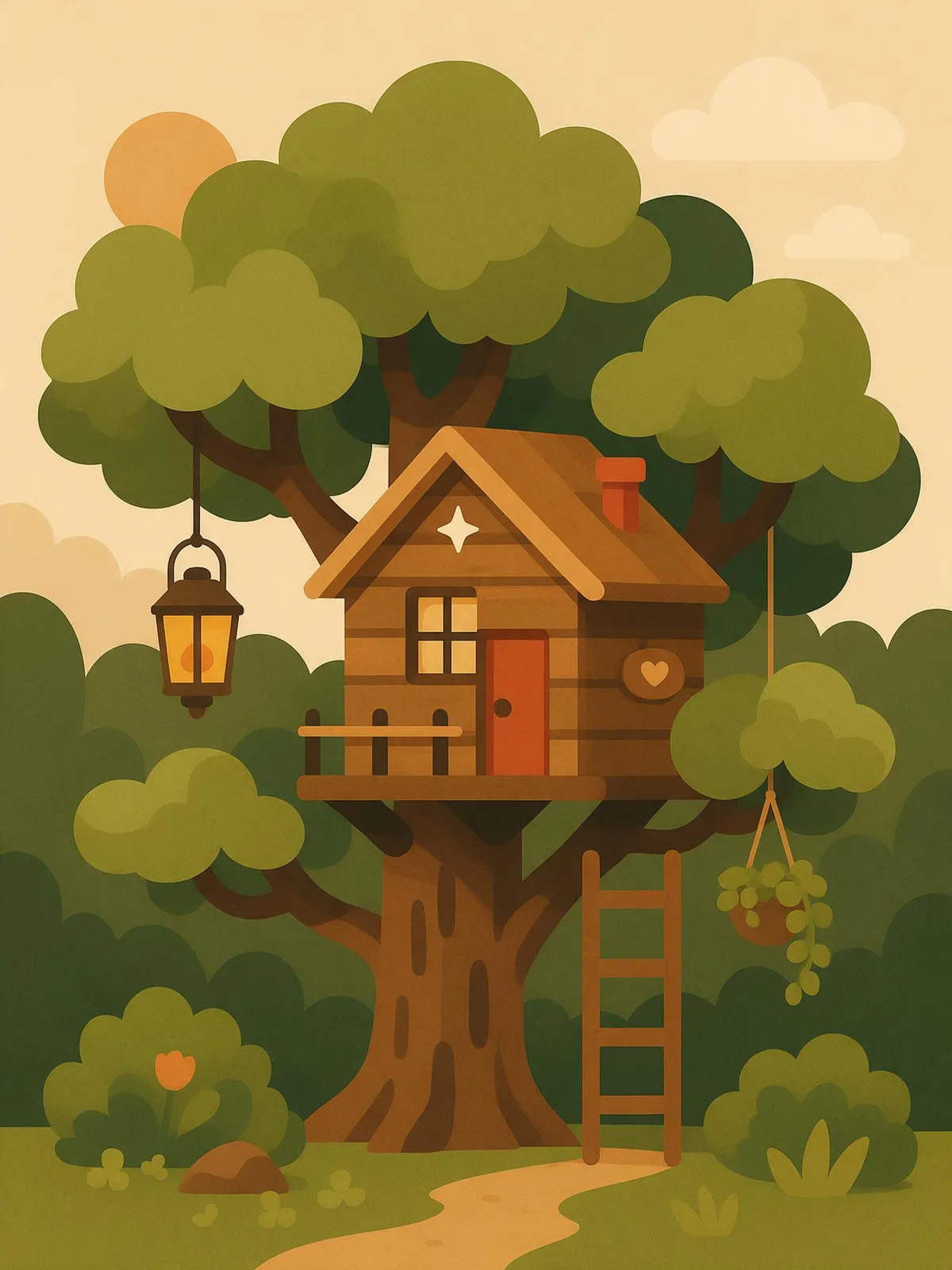
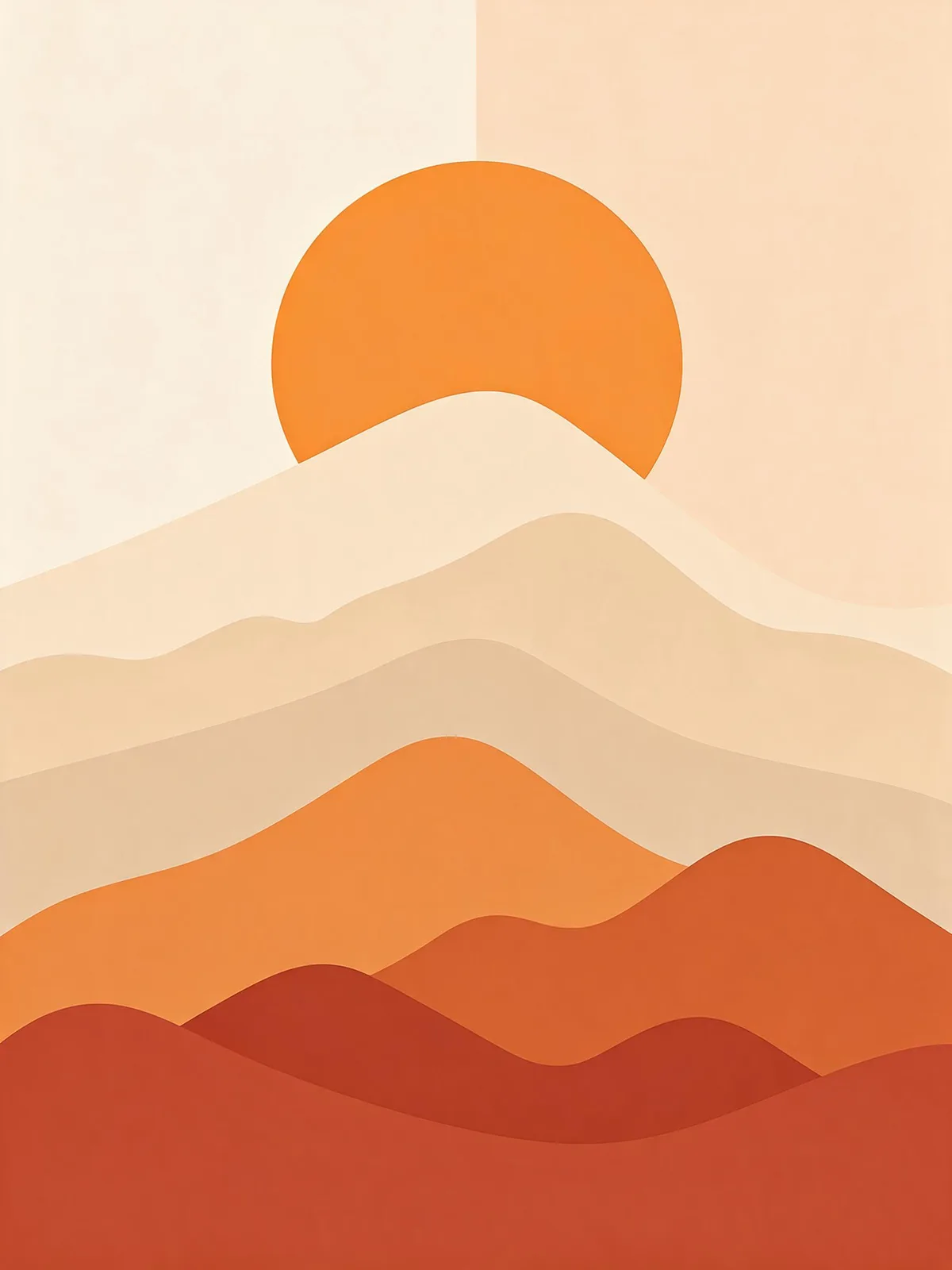
Prompt snippets
flat vector illustration, a woman working at a desk with a laptop, a coffee cup and two potted plants, simple rounded shapes, solid colors, limited warm palette, no gradients, no texture --ar 4:3 --style rawflat vector illustration, person at a desk, simple geometric shapes, solid colors, clean edges, limited palette, adobe illustrator styleA flat vector illustration of a woman working at a desk: a laptop, a coffee cup and two potted plants around her, drawn with simple rounded shapes in a limited warm palette. Solid colors only, no gradients and no shadows.Flat style vector illustration, a woman working at a desk with a laptop, a coffee cup and two potted plants beside her, simple rounded shapes, limited warm palette, solid flat colors, no gradients or shadows
What it is
Flat Illustration builds scenes using solid-color geometric shapes, rarely using gradients, drop shadows, or textures. It rose to popularity alongside “flat design” in the 2010s. Microsoft’s Metro design language for Windows Phone and Windows 8, along with Apple’s iOS 7 in 2013, abandoned skeuomorphism in favor of clean interfaces, and the accompanying illustrations followed suit by going “flat.” Today, it is one of the most common illustration styles used in web landing pages, app onboarding screens, and marketing posters.
Visual and emotional effect
- Clean and approachable: Solid color blocks make information easy to read at a glance.
- Layered but not complex: Depth is conveyed through overlapping elements and value shifts, such as the three layers of green hills in different shades shown in the samples.
- Scalable: The simple shapes work equally well for small icons and large banners.
When to use it
- Web illustrations, empty state pages, and app onboarding screens
- Product marketing for education, tech, and finance where an approachable tone is needed
- Image sets requiring a consistent style, such as poster series or infographic graphics
Prompt tips
- Basic combination:
flat illustration, vector art, solid colors, simple shapes, no gradients. - Specify a color palette:
limited palette of greens and orangeto keep the color scheme consistent across a series of images. - For subtle depth, add
subtle grainorsoft shadows; for a strictly flat look, explicitly stateno shadows. - In Midjourney, add
--style rawto reduce the lighting and extra details the model might otherwise generate on its own.
Common mistakes
- Using only
illustrationoften causes the model to add gradients, textures, and volumetric lighting, ruining the flat aesthetic. - Although the output may look like vector art, it is fundamentally a raster image. Scaling it up or editing it requires vectorizing it again.
The samples above are approximate SVG representations; for the actual generated results, refer to the specific model you are using.