Product Dimension Image
Product Dimension Image Dimension Image Dimension Diagram Size Chart Product Dimensions
E-commerce VisualsA diagram in e-commerce visuals that clearly displays physical specifications and proportions, such as length, width, and height, using leader lines, arrows, and values.
Also known as: Dimension Image · Dimension Diagram · Size Chart · Product Dimensions
- Midjourney
- Flux
- Dreamina
Prompt snippets
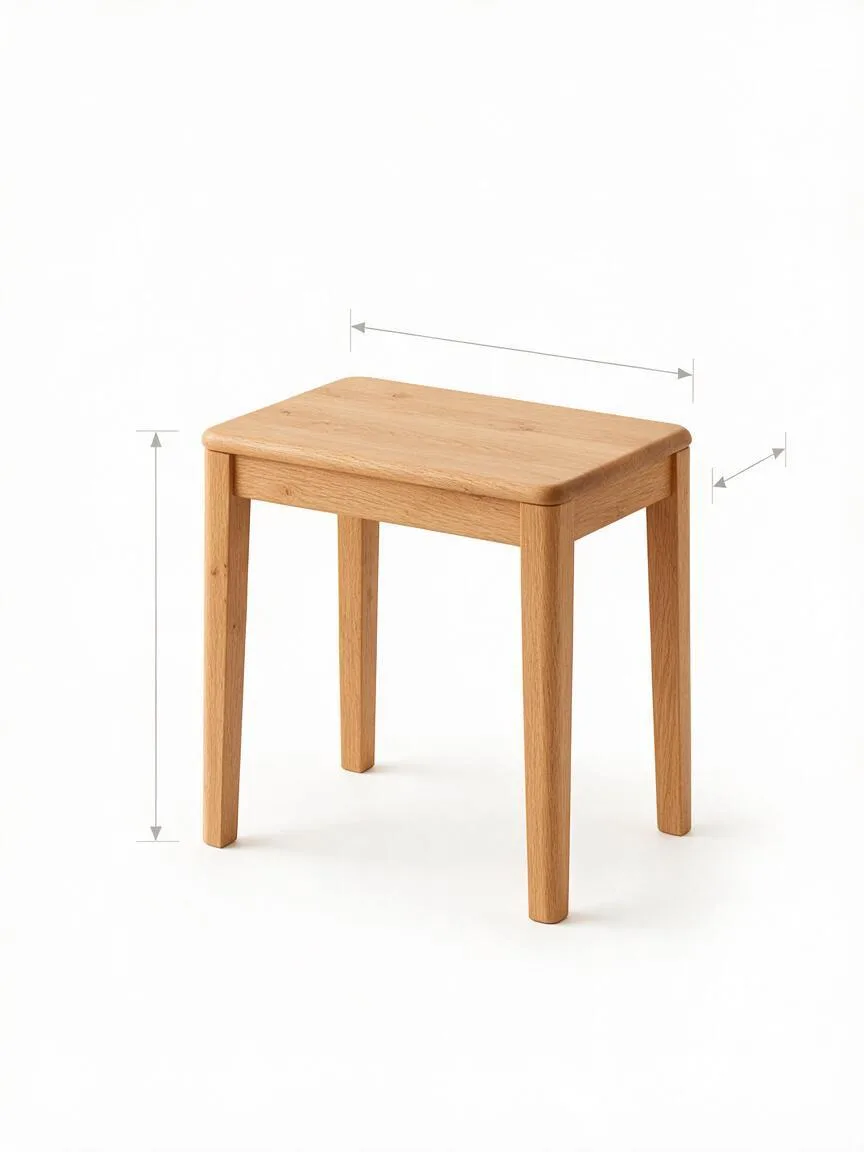
product dimension image base, a minimalist oak side table in a clean three-quarter isometric view on a pure white background, thin grey dimension lines with small arrow ends running along its height, width and depth, generous empty margins, bright even light, no text, no numbers, no letters --ar 1:1 --style rawThe base for a product dimension image: a minimalist oak side table in a clean three-quarter isometric view on a pure white background. Thin grey dimension lines with small arrow ends run along its height, width and depth. Generous empty margins, bright even light. No text, no numbers, no letters.Base for a product dimension image: a minimalist oak side table in a clean three-quarter isometric view on a pure white background. Draw thin grey dimension lines with small arrow ends along the height, width, and depth. Leave generous empty margins around the edges with bright, even lighting. Do not include any text or numbers in the image.
How this look is built
Open in the builder ›An ad look is not one style word but the combination below. Opening it fills the matching slots; the subject is yours to write.
- StyleIsometric ViewIn an Isometric View, none of the three axes are distorted, allowing length, width, and height to be labeled simultaneously.
- CompositionNegative SpaceLeave space around the product for dimension lines and numbers.
- LightingHigh-Key LightingA white background with High-Key Lighting makes the lines and numbers the clearest.
What it is
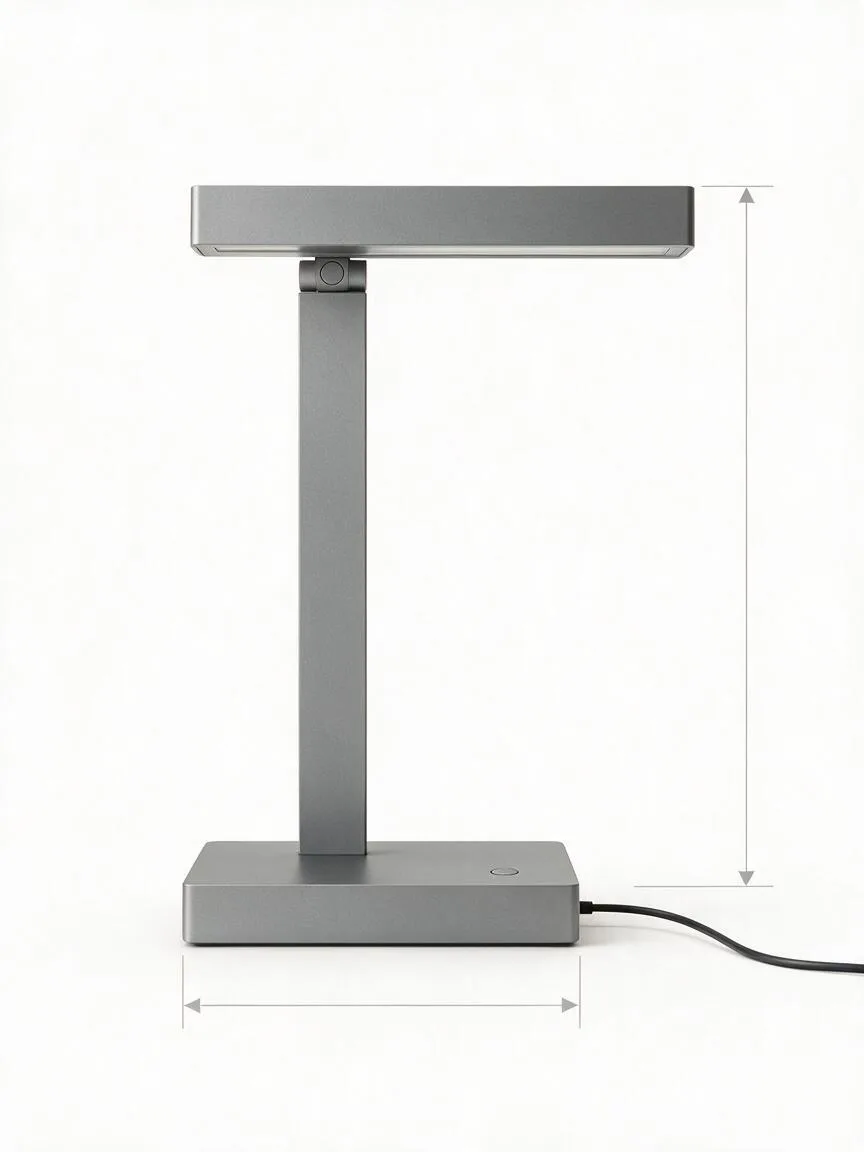
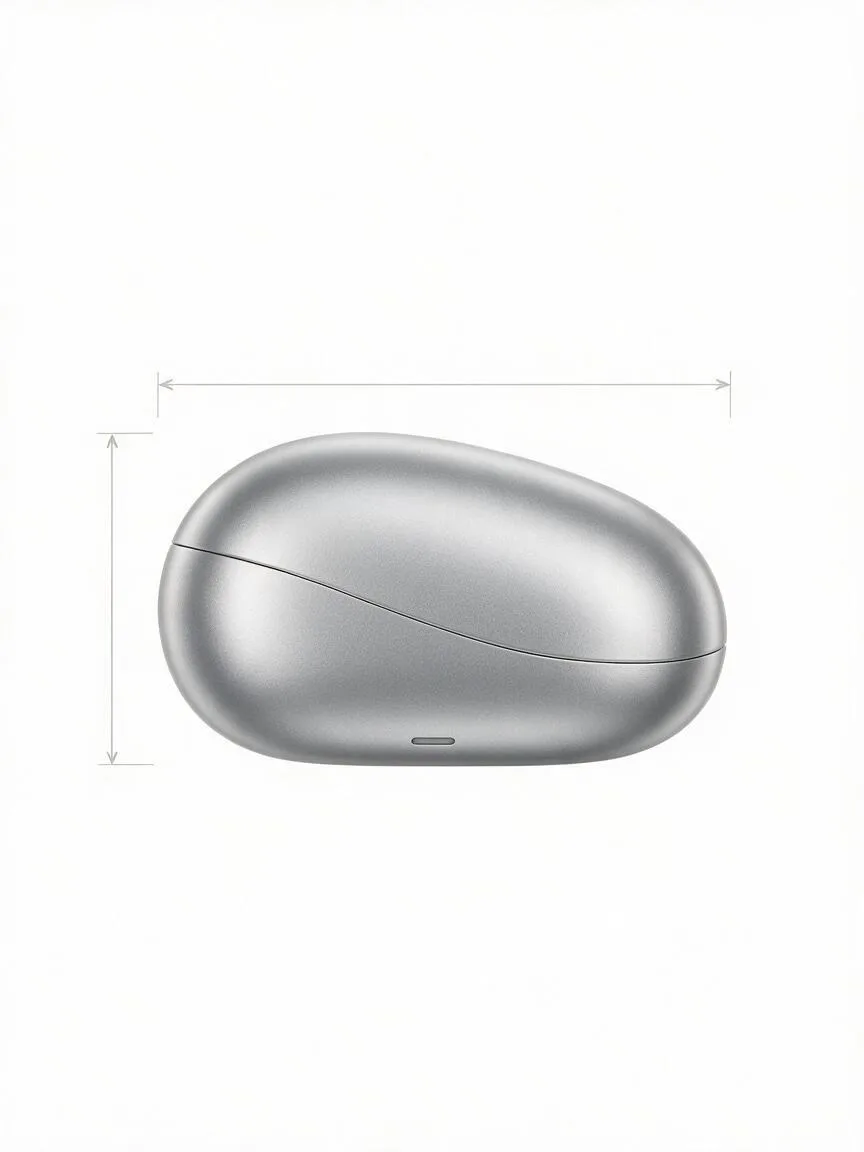
A Product Dimension Image is a diagram used in e-commerce visuals to clearly display the physical specifications of a product (length, width, height, thickness, capacity, etc.). The image typically consists of the main product, leader lines, extension lines, arrows, and numerical values. The background is usually pure white or a minimalist color to maximize readability.
Visual and emotional effect
Conveys a rational, rigorous, and professional visual feel. Through precise data visualization, it eliminates consumer cognitive bias regarding product size, builds professional trust in the brand, and thereby reduces return rates caused by size mismatches.
When to use it
Primarily used for categories sensitive to physical dimensions, such as furniture, 3C electronics, bags, and home appliances. It is usually placed in the specification module of a product detail page, or used to intuitively show the scale of the product relative to common objects (like a mobile phone or a hand).
Prompt tips
In AI image generation, directly generating images with accurate numbers and perfectly aligned dimension lines is highly prone to gibberish and distorted lines. It is recommended to use terms like “technical drawing” and “dimension lines” in the prompt to generate a clean line art base, and then add the actual values in design software.
Common mistakes
Trying to force the AI model to output a final image containing specific numbers (e.g., “20cm”) directly through the prompt. Currently, mainstream models still have limited control over typography; forcing this will result in scrambled numbers and misaligned lines, which instead reduces the professionalism of the page.