Splash Screen Ad
Splash Screen Ad Splash Ad Launch Screen Ad App Launch Ad
Brand AdvertisingA brief, full-screen advertisement displayed when a user launches an app, requiring 3 to 5 seconds of strong visual impact to achieve brand exposure or convey core information.
Also known as: Splash Ad · Launch Screen Ad · App Launch Ad
- Midjourney
- Flux
- Dreamina
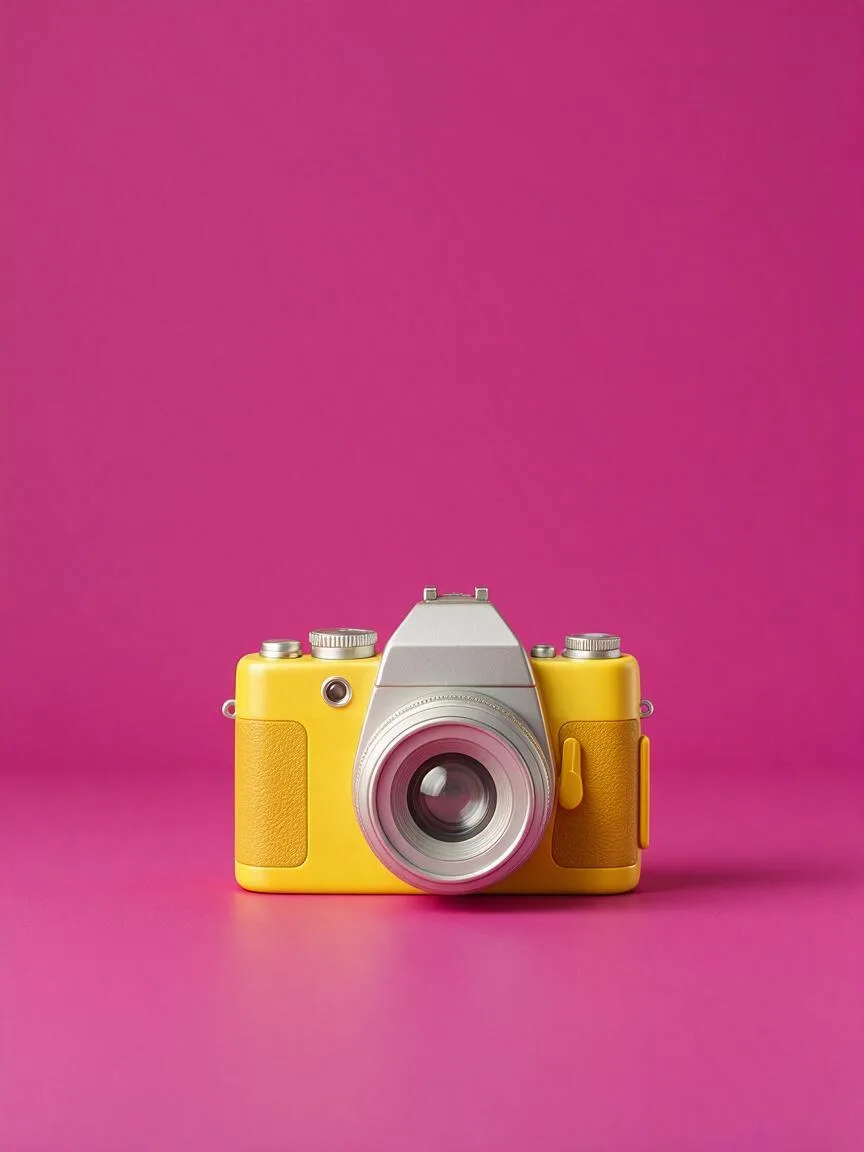
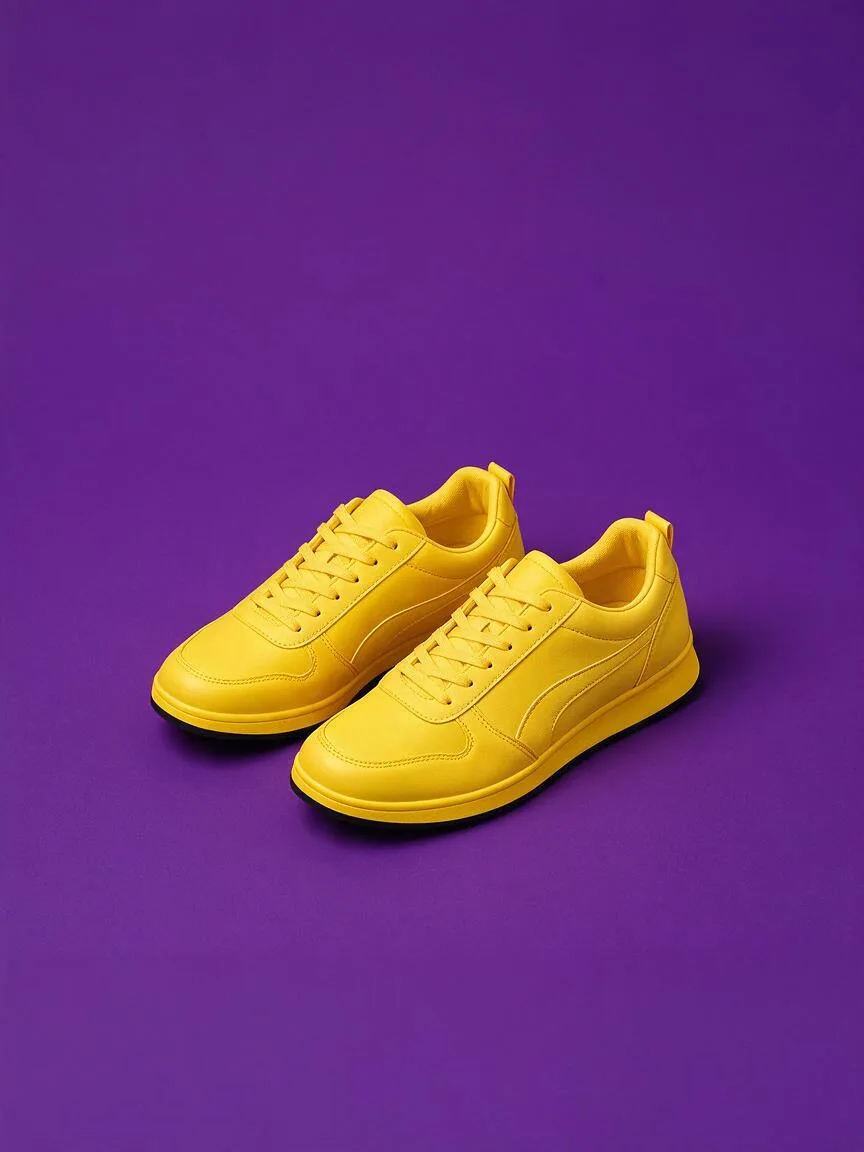
Prompt snippets
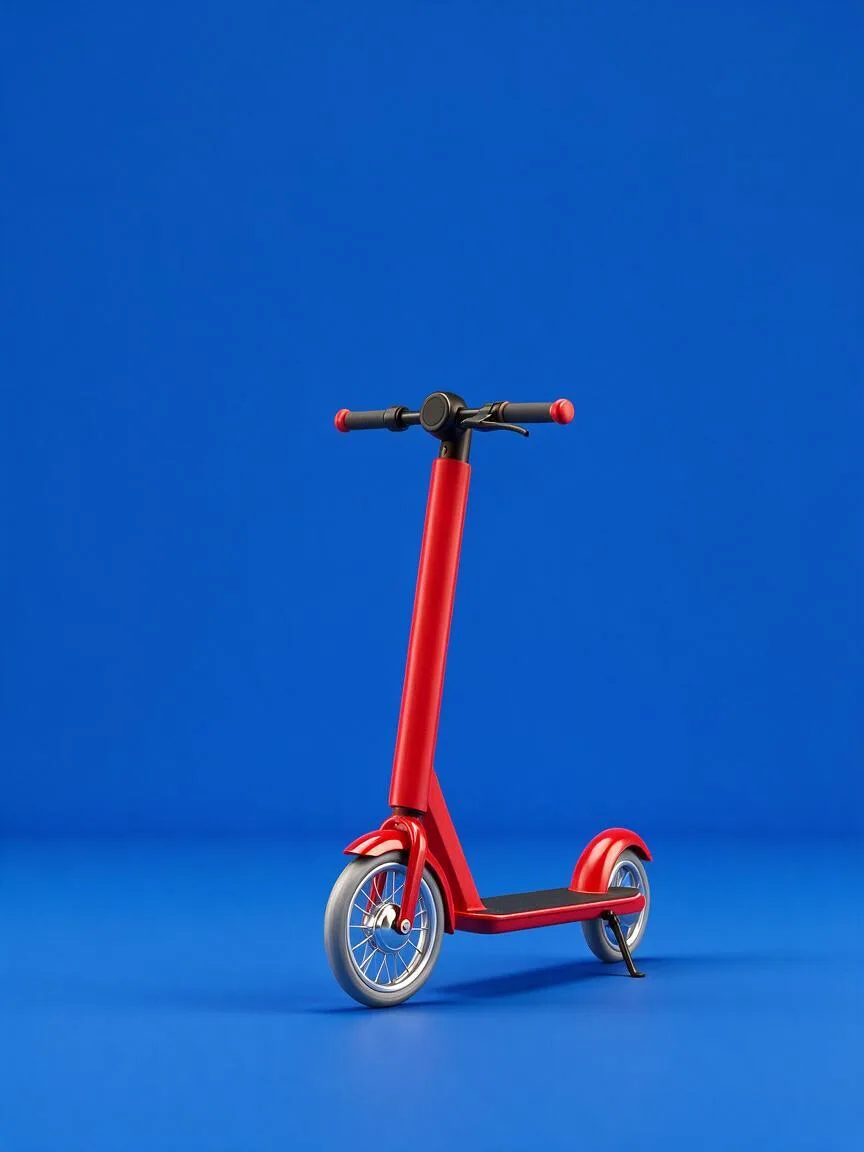
full-screen app splash ad, a single bright red electric scooter standing upright in the middle of the frame against a flat saturated cobalt blue backdrop, huge empty space above it and a clean band at the bottom for the brand logo, soft studio light, minimal, no text, no logos --ar 9:16 --style rawA full-screen app splash ad: a single bright red electric scooter stands upright in the middle of the frame against a flat, saturated cobalt blue backdrop. Huge empty space above it and a clean band at the bottom for the brand logo. Soft studio light, minimal. No text, no logos.Full-screen app splash ad, a single bright red electric scooter standing upright in the center of the frame against a flat, highly saturated cobalt blue background, with a large empty space above and a clean area at the bottom for the brand logo, soft studio lighting, minimalist, no text or logos in the image
How this look is built
Open in the builder ›An ad look is not one style word but the combination below. Opening it fills the matching slots; the subject is yours to write.
- CompositionCenter CompositionPlace the subject in the center so it can be seen clearly at a glance within three seconds.
- StyleMinimalismThe splash screen is only visible for a few seconds, so include only one subject in the frame.
- LightingSoft LightSoft light makes large color block backgrounds smooth and clean, without messy shadows.
- ColorHigh SaturationLarge color blocks with high saturation grab attention the moment the app is opened.
What it is
A Splash Screen Ad is a brief, full-screen advertisement displayed when a user launches an app. Since the viewing time is typically only three to five seconds, it strips away complex narratives and requires instant brand exposure or core message delivery through strong visual impact.
Visual and emotional effect
The imagery usually possesses extremely high visual tension. Colors are strongly contrasted, the subject is large and centered, and the background is clean. Through large color blocks, High Saturation, or minimalist Negative Space, it creates a premium or urgent feel, capturing the user’s attention the moment the app opens.
When to use it
Ideal for app cold starts, major holiday promotions, significant new product launches, or brand ambassador announcements. Use it when you need to maximize exposure within a limited time or convey the same core message to all users.
Prompt tips
When generating images with AI, you must emphasize “prominent subject” and “empty space in the frame”. Use prompts like minimalist background, centered composition, and negative space for text to ensure the generated image has enough room for designers to add logos and copy later. Avoid complex background details.
Common mistakes
Cramming too many product details or background elements into the frame, causing it to lose focus; failing to reserve enough Negative Space, leaving no room for the logo and copy during later layout, or having them obscure the main subject.