Mockup
Mockup Mockup Scene Product Mockup Design Mockup
Brand AdvertisingA visual presentation method that applies design content to real or virtual 3D carriers (such as electronic products, packaging, and outdoor media) to showcase the final physical materials and spatial effects.
Also known as: Mockup Scene · Product Mockup · Design Mockup
- Midjourney
- Flux
- Dreamina
Prompt snippets
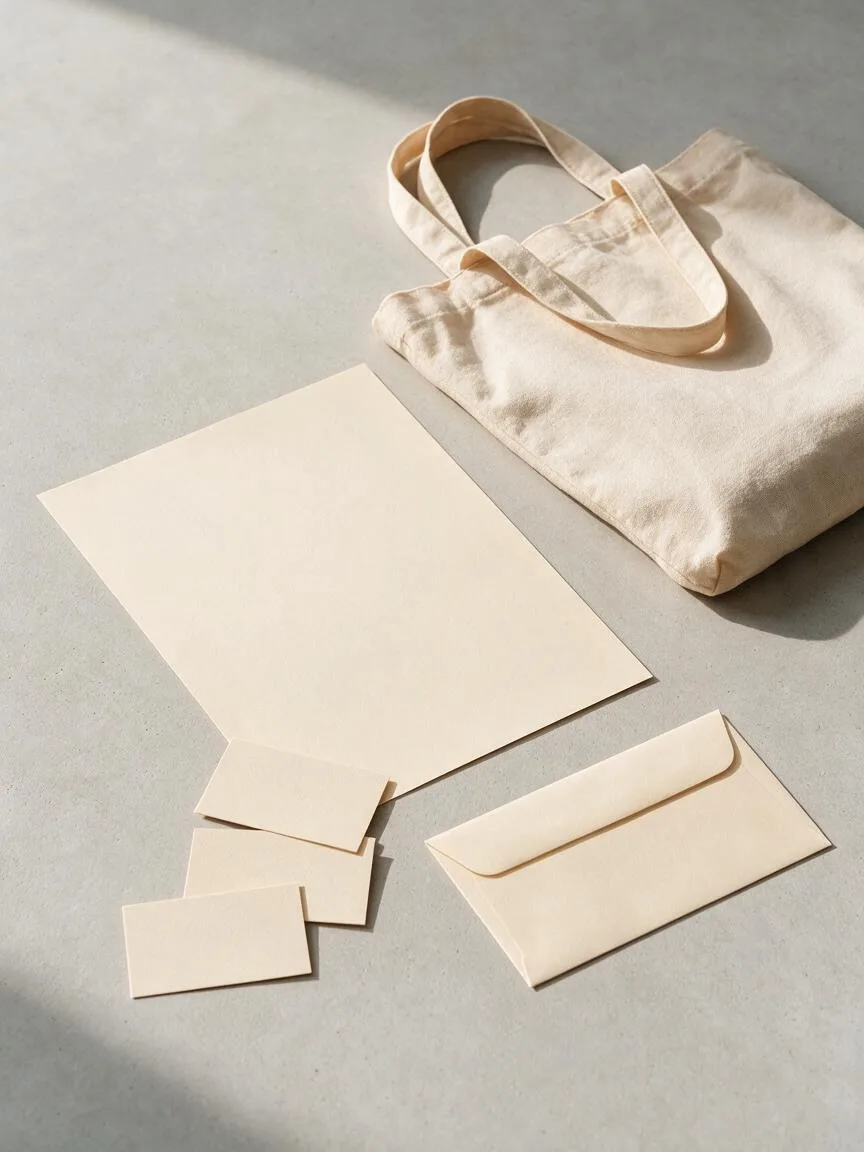
branding stationery mockup scene, blank business cards, a blank letterhead, an envelope and a canvas tote bag arranged on a light concrete surface, slightly high angle, soft window light with gentle shadows, muted low-saturation neutrals, every surface completely blank and ready for a design to be placed on, no text, no logos --ar 4:5 --style rawA branding stationery mockup scene: blank business cards, a blank letterhead, an envelope and a canvas tote bag arranged on a light concrete surface, seen from a slightly high angle. Soft window light leaves gentle shadows. Muted, low-saturation neutrals. Every surface is completely blank and ready for a design to be placed on. No text, no logos.branding stationery mockup scene, blank business cards, a blank letterhead, an envelope and a canvas tote bag arranged on a light concrete surface, slightly high angle, soft window light with gentle shadows, muted low-saturation neutrals, every surface completely blank and ready for a design to be placed on, no text, no logos
How this look is built
Open in the builder ›An ad look is not one style word but the combination below. Opening it fills the matching slots; the subject is yours to write.
- CompositionHigh Angle ShotA slightly High Angle Shot clearly shows the thickness of the cards and envelopes, along with their cast shadows.
- StyleMinimalismFewer props make the composited design stand out more.
- LightingSoft LightThe cast shadows from Soft Light have a clear direction, making it easy to align lighting and shadows in post-production.
- ColorLow SaturationA Low Saturation background color will not compete with the composited design for visual attention.
What it is
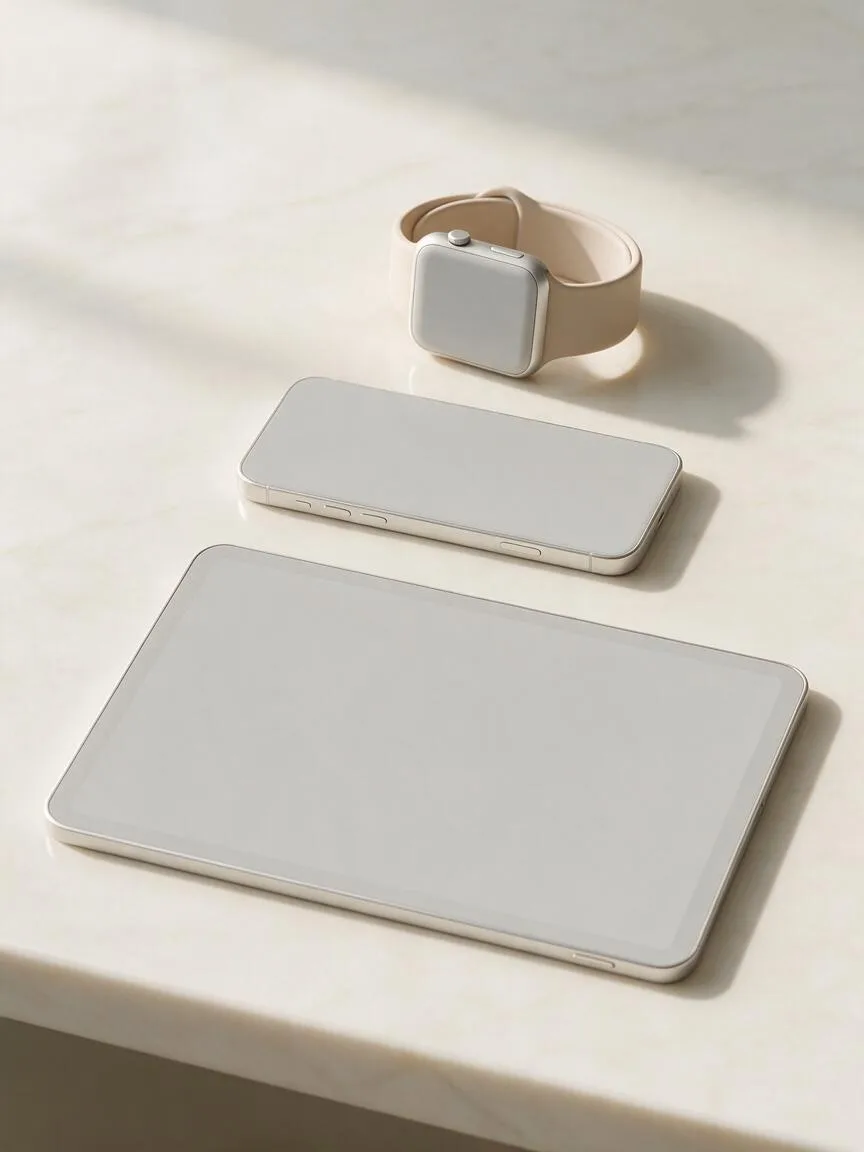
A Mockup is a visual presentation method that places 2D or 3D design drafts into predefined carriers with specific materials, lighting, and spatial environments (such as mobile phones, computers, packaging bags, canvas tote bags, and outdoor billboards) to preview their final physical implementation. In AI creation, it requires the model not only to generate objects but also to accurately reproduce material textures and environmental interactions in the physical world.
Visual and emotional effect
A Mockup instantly transforms “abstract graphics” into “tangible physical objects.” Through realistic paper textures, metallic reflections, or glass refractions, it significantly elevates the professionalism and commercial value of a design. It builds audience trust during pitches or presentations, allowing them to intuitively feel the premium quality of a brand or product.
When to use it
Brand visual pitches, designer portfolio packaging, e-commerce product teasers, social media concept launches, and confirming the physical implementation of packaging, merchandise, or outdoor advertising with clients before actual production.
Prompt tips
- Material first: Clearly specify the carrier material, such as
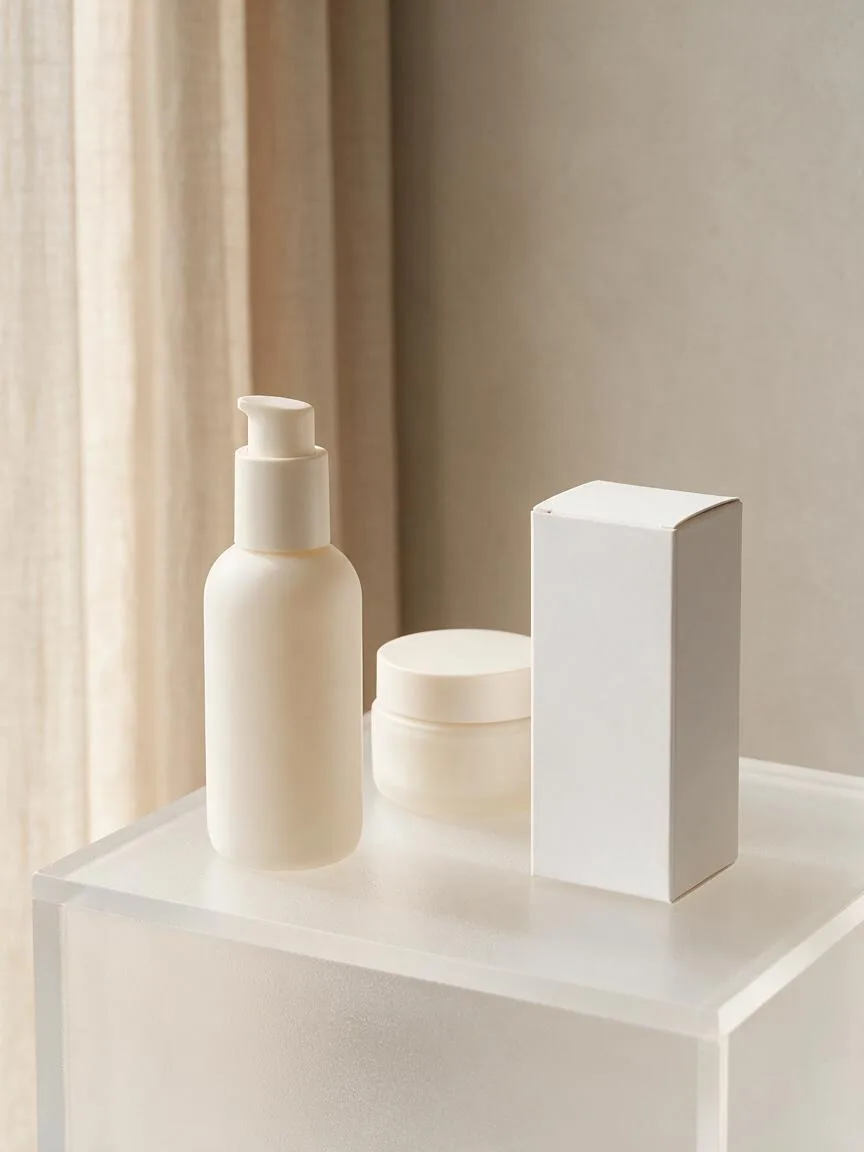
matte paper,frosted glass, orbrushed metal, as this is the core determinant of texture. - Define blank areas: You must use terms like
blank label,empty screen, orblank canvasto ensure the AI leaves a clean area for compositing. - Lighting and perspective: Pair with
soft studio lightingand anIsometric VieworEye-level Shotto ensure the perspective perfectly integrates with post-production compositing.
Common mistakes
- Background overpowering the subject: Using an overly complex environment causes the visual focus to shift away from the main product.
- Lighting and perspective mismatches: The generated Mockup’s lighting direction does not match the manually composited design in post-production, resulting in a strong “floating” or “plastic sticker” feel.
- Vague material descriptions: Only writing “cup” or “box” without specifying the material causes the AI to randomly generate a cheap plastic look.