Pixel Art
Pixel Art Pixel Style 8-bit 16-bit
Image StylesA style of drawing with clearly visible square pixels and a limited color palette, originating from the hardware constraints of early video games and computers. Today, it is widely used in indie games and retro-themed visuals.
Also known as: Pixel Style · 8-bit · 16-bit
- Midjourney
- Stable Diffusion
- Flux
- Dreamina
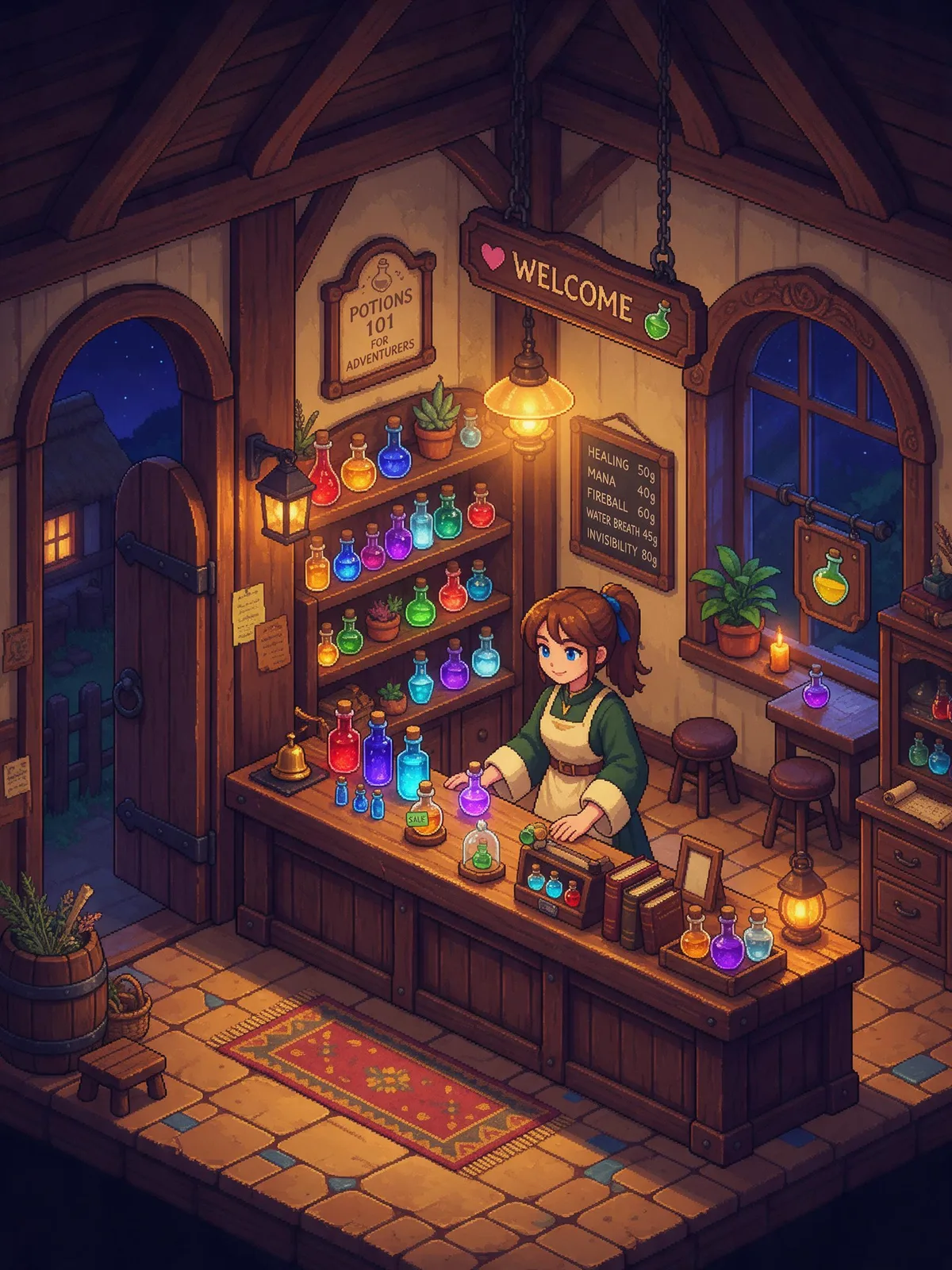
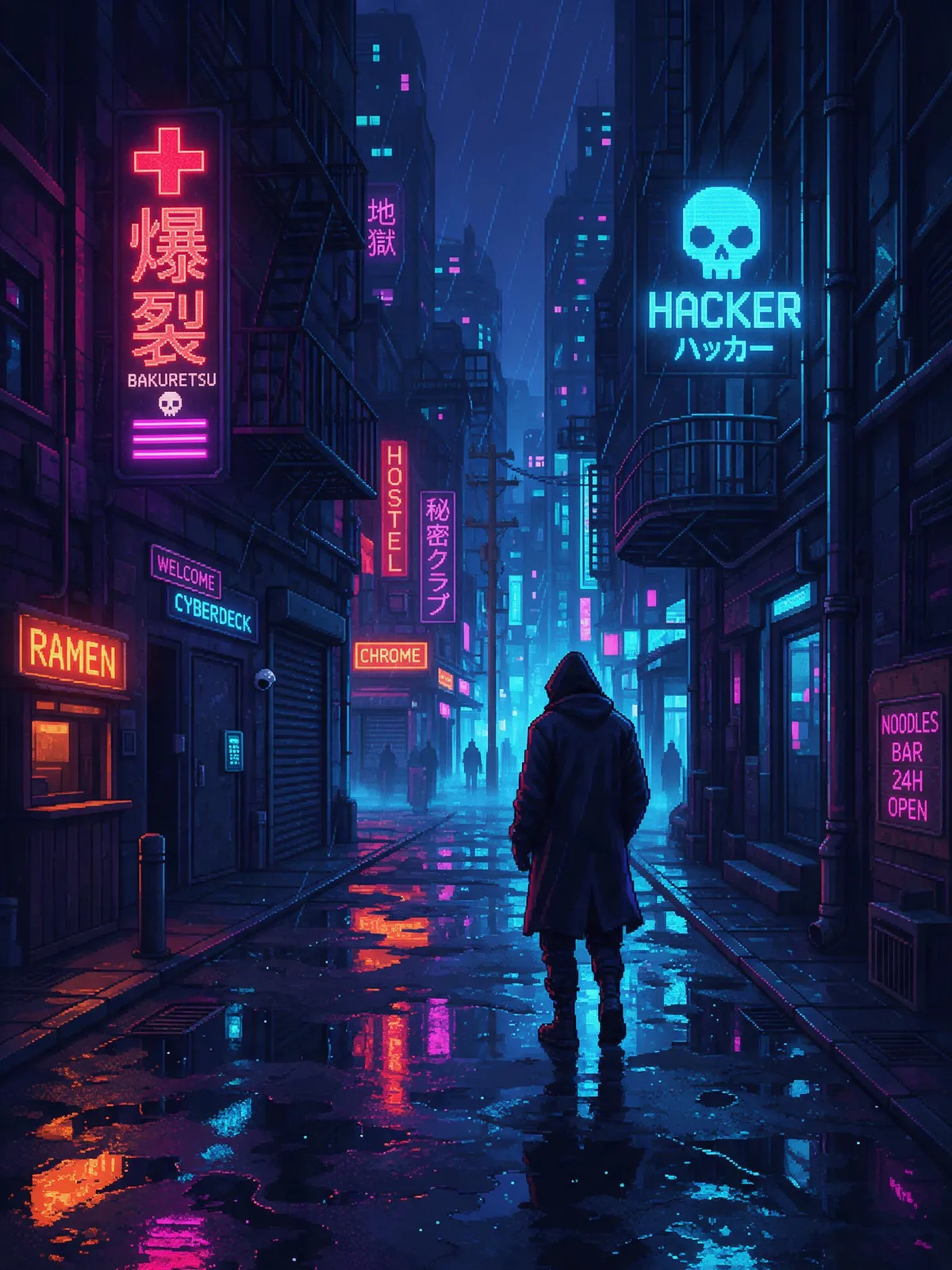
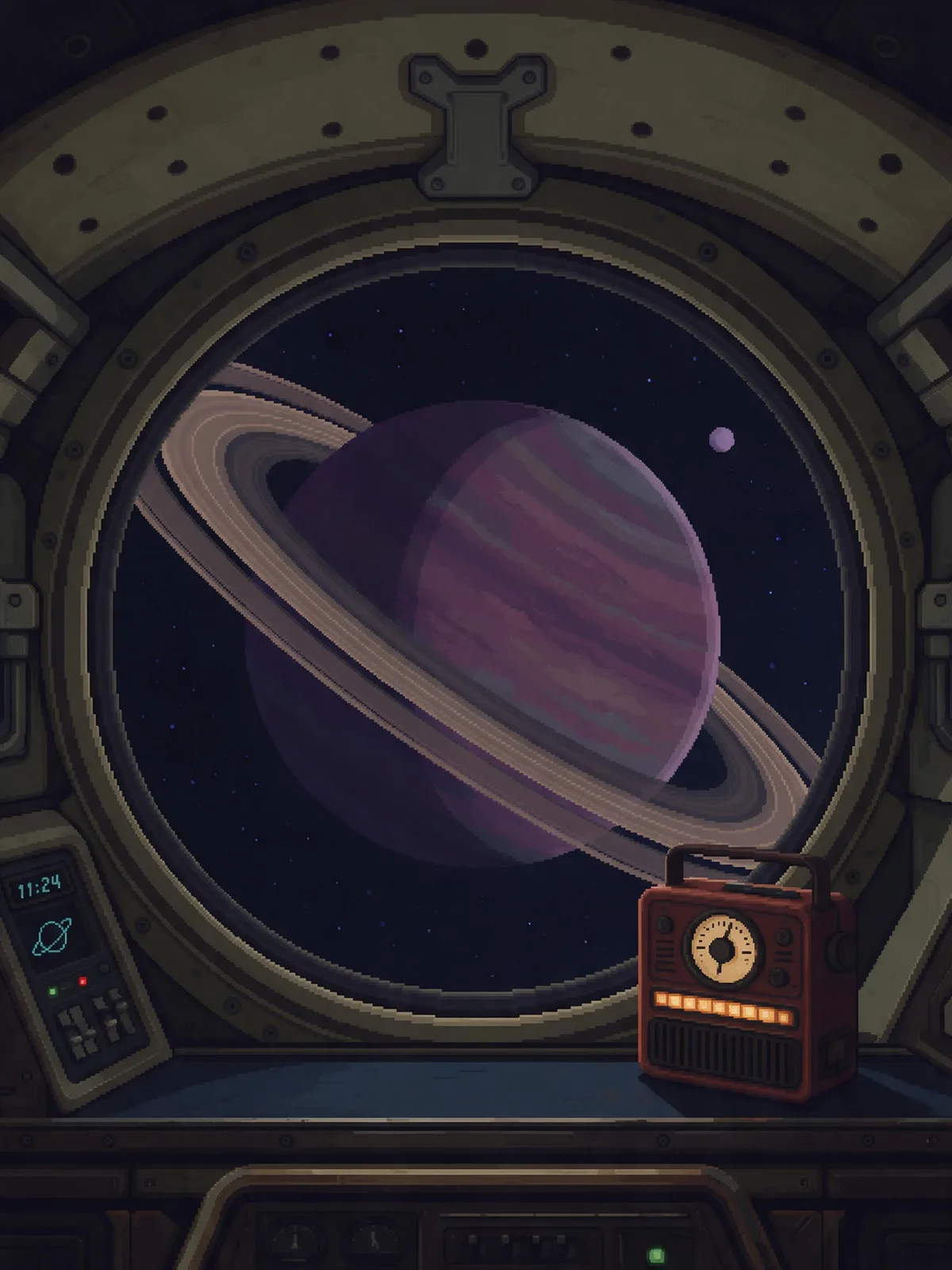
Prompt snippets
pixel art, 16-bit, a cozy potion shop interior at night, shopkeeper behind a wooden counter, shelves of glowing bottles, warm lamp light, limited palette, crisp square pixels, no anti-aliasing --ar 4:3 --style rawpixel art, 16-bit rpg shop interior, retro game sprite style, limited palette, sharp square pixels, warm lamp light, side viewA 16-bit pixel art scene of a small potion shop at night: a shopkeeper stands behind a wooden counter, shelves behind them hold glowing bottles, and a lamp casts warm light across the room. Limited palette, every pixel a crisp square.Pixel art illustration, 16-bit retro game aesthetic, cozy potion shop interior at night, shopkeeper behind a wooden counter, shelves of glowing bottles, warm lamp light, limited palette, crisp square pixels, no anti-aliasing
What it is
Pixel Art is digital imagery drawn pixel by pixel. In the 1970s and 80s, consoles and computers had low resolutions and limited on-screen colors, forcing artists to depict characters and scenes within tiny grids using only a few colors. This constraint gave rise to the style. The terms 8-bit and 16-bit roughly correspond to the visual characteristics of the NES and SNES eras, respectively. Once hardware limitations disappeared, pixel art survived as an aesthetic choice, remaining especially popular in indie games.
Visual and emotional effect
- Nostalgic and approachable: Evokes memories of early consoles and arcade cabinets.
- Abstract and cute: Details are reduced to a minimum, with forms expressed through just a few key pixels.
- Clear rhythmic texture: Color block edges are stepped, with no blurring or gradient transitions.
When to use it
- Game concept art, character and item icons
- Retro-themed event posters, memes, and avatars
- Brand illustrations that need a relaxed, fun, and slightly geeky vibe
Prompt tips
- Basic combination:
pixel art, 16-bit, limited color palette, crisp pixels. - Use
8-bitor16-bitto control the level of detail; addgame sprite,isometric, orside-scrollerto specify the use case and perspective. - Include
no anti-aliasingandsharp square pixelsto prevent blurry edges. - Stable Diffusion users can pair this with a pixel art LoRA, which usually yields more consistent results than relying on text prompts alone.
Common mistakes
- AI-generated “pixel art” often features inconsistent pixel sizes and anti-aliased edges. When you need true pixel-perfect assets, it is recommended to generate at a lower resolution and upscale using “nearest neighbor” interpolation, followed by manual touch-ups.
- If the color palette is too rich or the lighting too realistic, the image will lose the clean simplicity characteristic of pixel art.
The sample swatch at the top of the page is an SVG approximation; for actual generated results, refer to the specific model being used.