Glitch Art
Glitch Art Glitch Style Glitch Effect Datamosh RGB Split
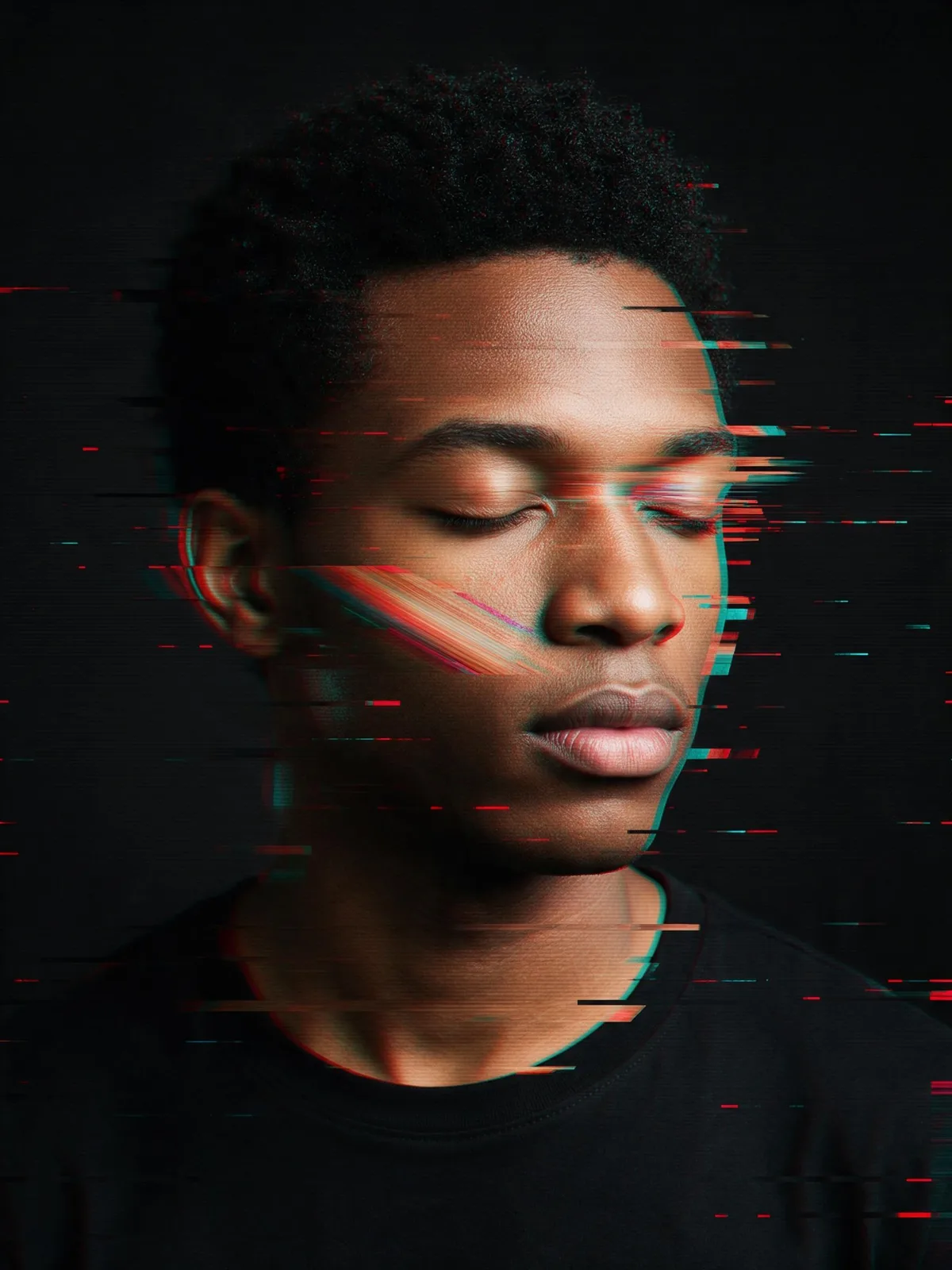
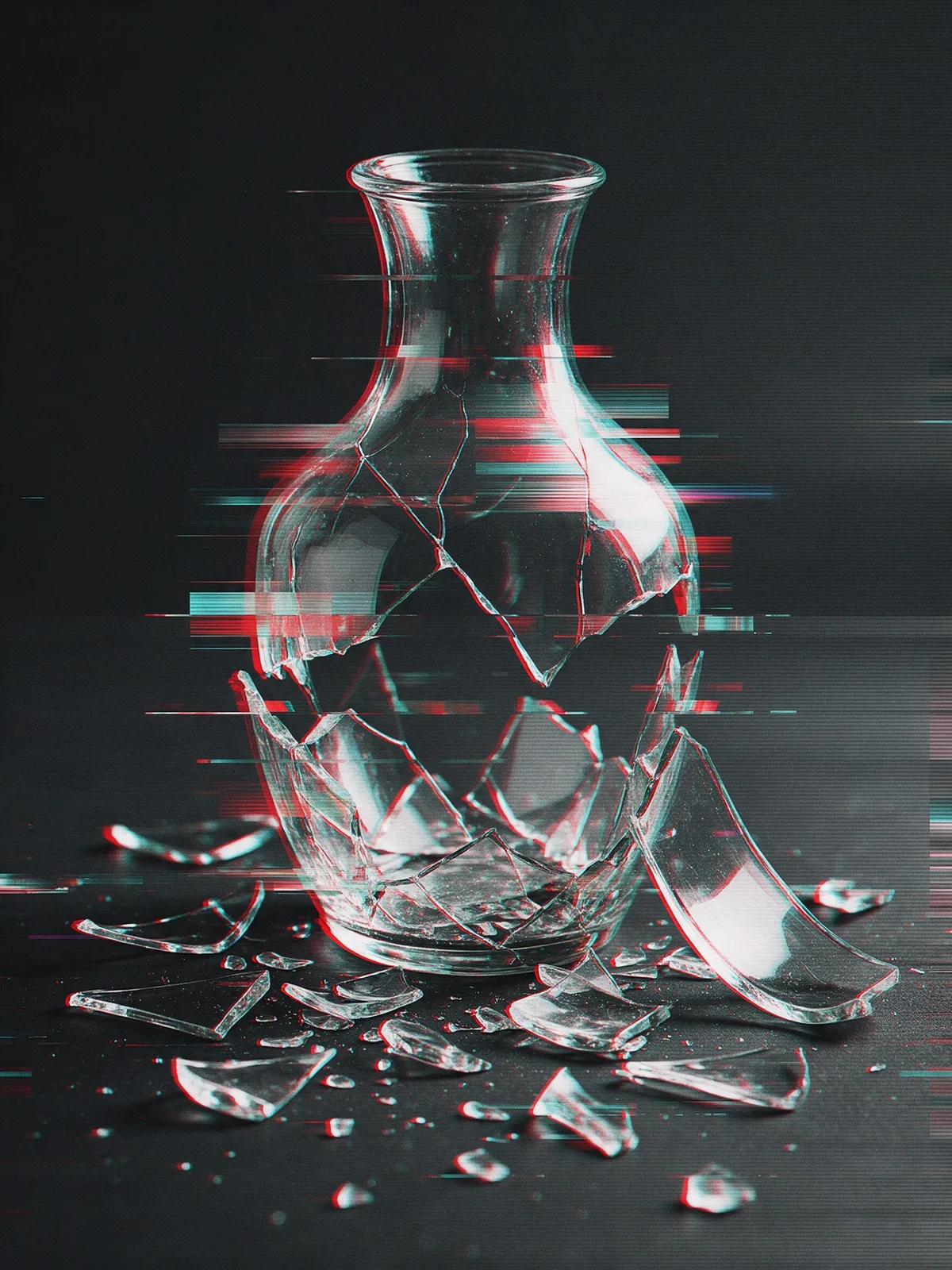
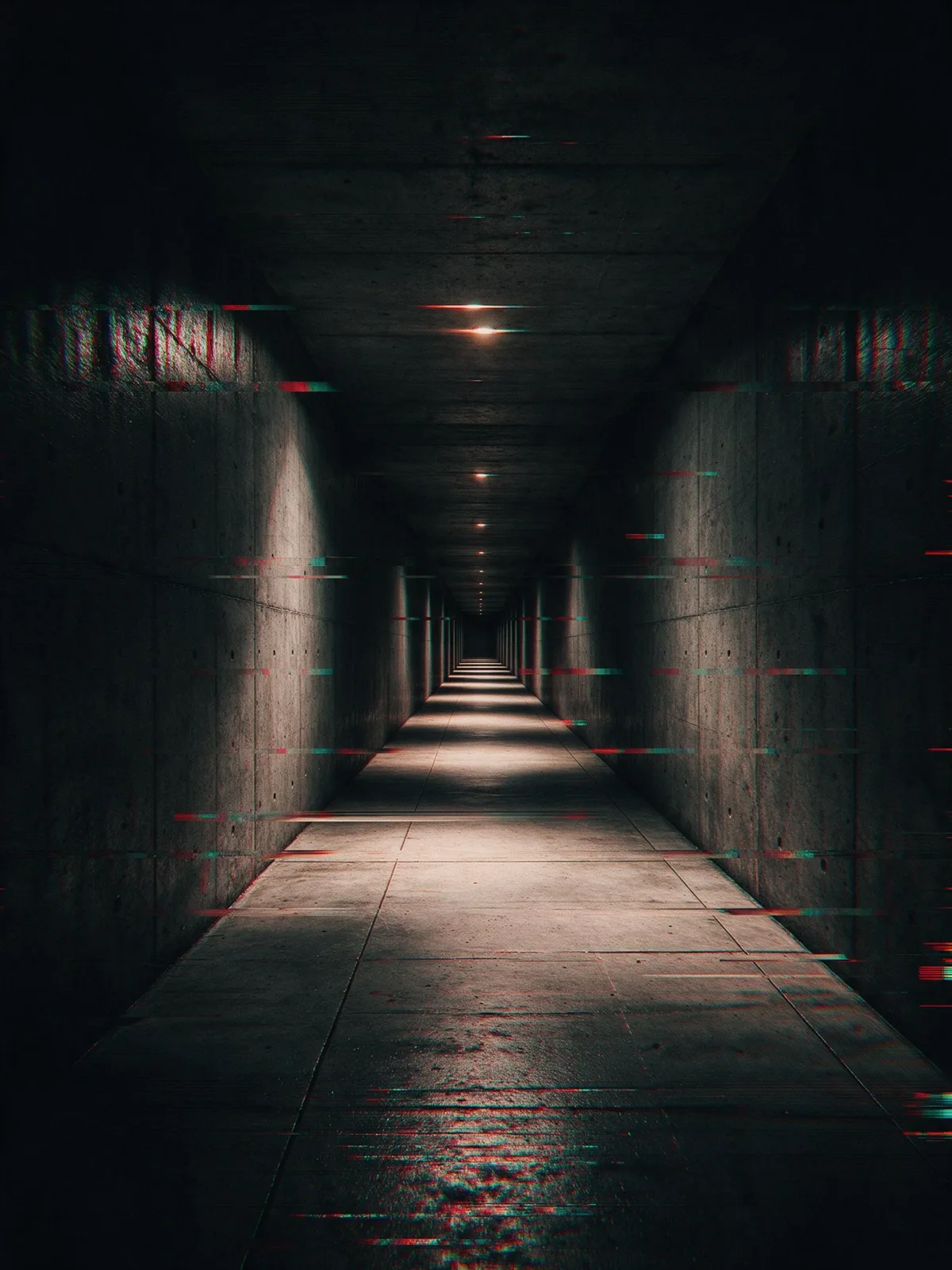
Image StylesUsing the aesthetic of digital or analog signal errors: color channel misalignment, screen tearing, scan lines, and pixel corruption create an unstable, interfered visual experience.
Also known as: Glitch Style · Glitch Effect · Datamosh · RGB Split
- Midjourney
- Stable Diffusion
- Flux
- Dreamina
Prompt snippets
glitch art portrait, RGB channel split in red and cyan, horizontal displacement bars, pixel sorting, datamosh smearing, scan lines, dark background, no text, no lettering --ar 4:3glitch art portrait, chromatic aberration, pixel sorting, datamosh, horizontal tearing, VHS scan lines, corrupted digital imageA portrait dissolving into digital noise: red and cyan copies of the face shifted left and right, thin horizontal bars sliced out of place, pixels smeared sideways and faint scan lines over everything. No words anywhere.glitch art style portrait, red and cyan channel misalignment, horizontal tearing stripes, pixel stretching, scan lines, digital signal interference, dark background, no text or lettering anywhere in the image
What it is
Glitch Art turns technical errors into a creative medium: images resulting from file corruption, signal interference, and compression artifacts are intentionally generated and amplified by artists. Its origins trace back to the 1960s video art of Nam June Paik, who used magnets to distort television screens. Since the 2000s, with the widespread use of digital images, techniques like databending, datamoshing, and pixel sorting have gained popularity online, gradually forming an independent visual style.
Visual and emotional effect
- Unstable and tense: The misalignment of red and cyan color channels makes forms appear blurry and trembling, similar to the jittering “GLITCH” text in the sample images.
- Digital feel: Scan lines, horizontal tearing bars, and blocky compression artifacts constantly remind the viewer that “this is an image on a screen.”
- Rebellious: Deliberately showcasing “broken” imagery contrasts sharply with the pursuit of perfection in commercial visuals.
When to use it
- Posters and covers for electronic music, tech, and gaming
- Conveying narrative concepts like system intrusion, signal interruption, or memory corruption
- Dynamic effects and transitions for titles and logos
Prompt tips
- Basic combination:
glitch art, RGB split, chromatic aberration, scan lines, digital distortion. - Specifying the glitch type offers more control:
pixel sorting(streaking effects),datamosh(motion smearing),horizontal tearing(horizontal slicing),VHS tracking error(tracking distortion). - Use
subtleorheavyto control the intensity of the glitch, preventing the main subject from becoming completely unrecognizable.
Common mistakes
- Overloading the image with glitch effects makes the information unreadable. Typically, keep most of the main subject clear and apply glitches only to specific areas.
- Static images can only imply glitches; actual jittering and flickering need to be achieved in video or motion graphics.
The sample images above are approximate SVG representations; refer to your specific generation model for the actual output.