Teal and Orange
Teal and Orange Teal and Orange Grading Orange and Teal Tone Orange and Teal Hollywood Color Grading
Color & GradingA classic cinematic color grading style that pushes shadows toward teal and highlights toward orange, using strong cool-warm contrast to make the main subject stand out.
Also known as: Teal and Orange Grading · Orange and Teal Tone · Orange and Teal · Hollywood Color Grading
- Midjourney
- Sora
- Kling
- Runway
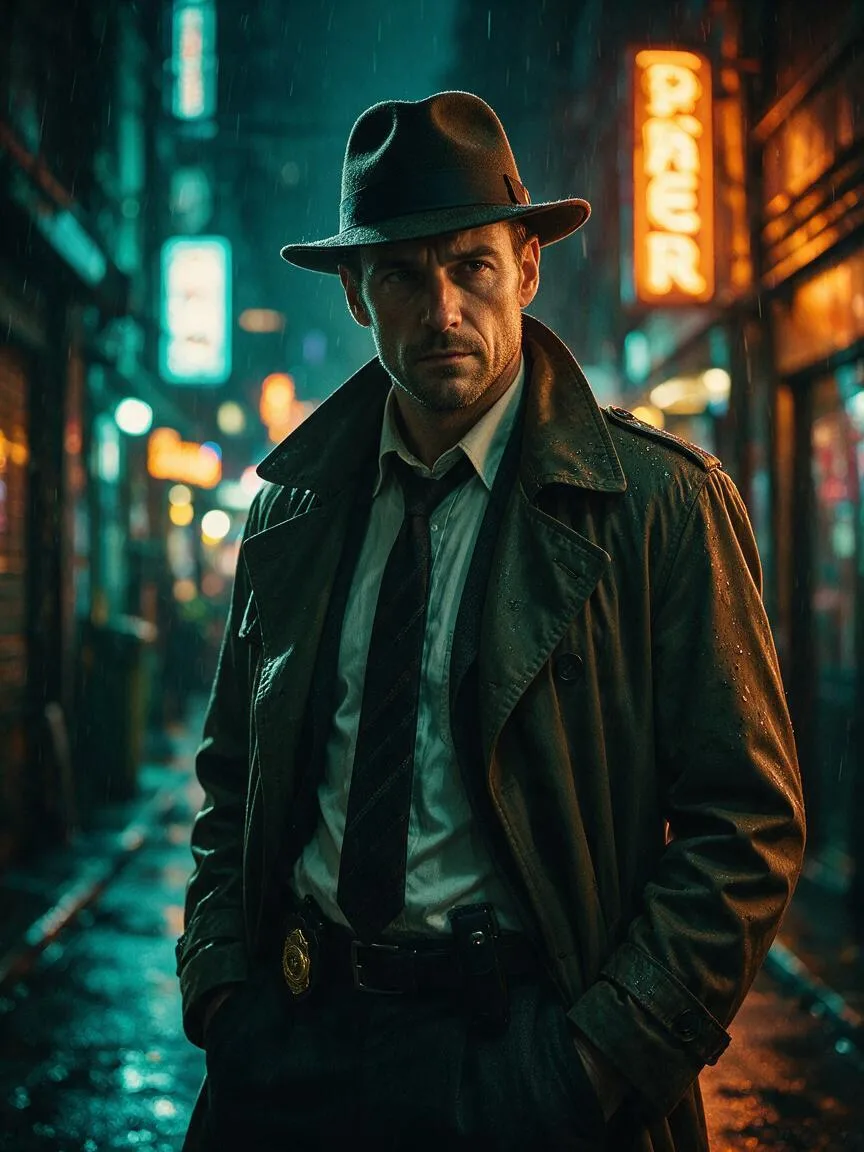
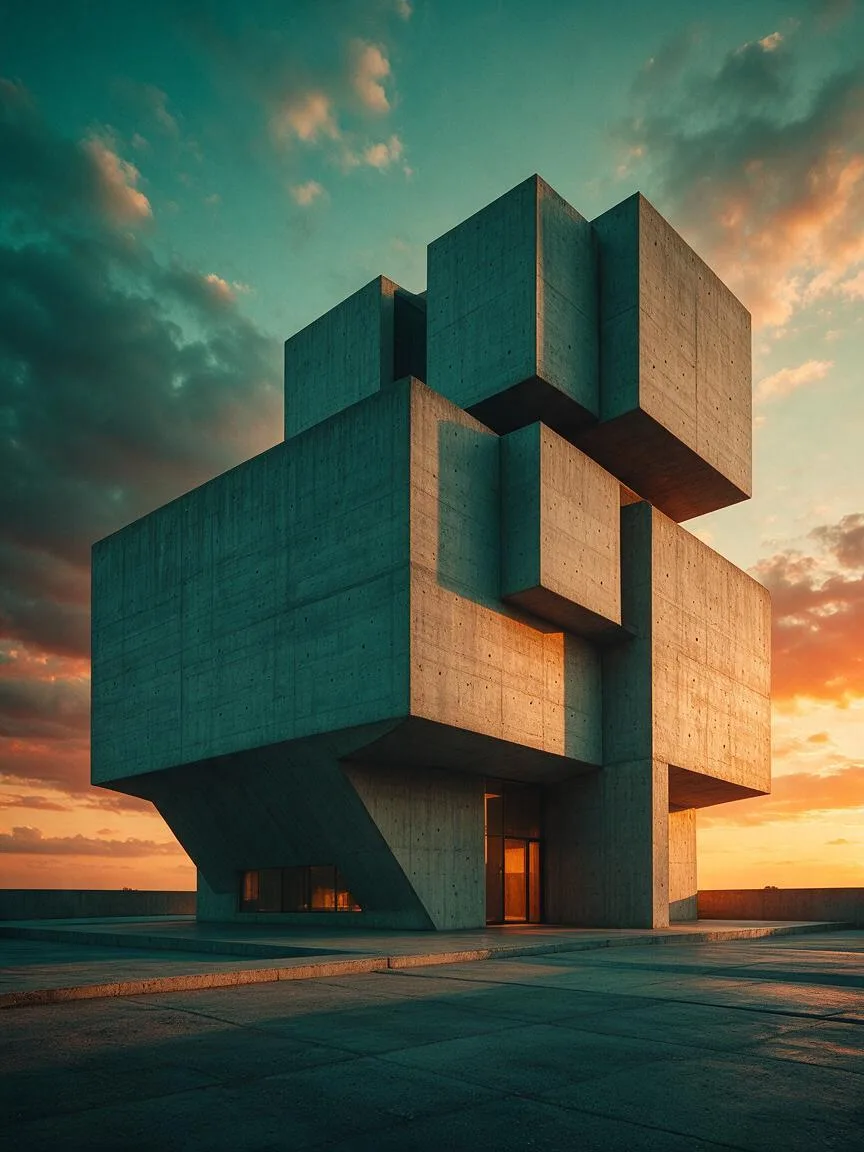
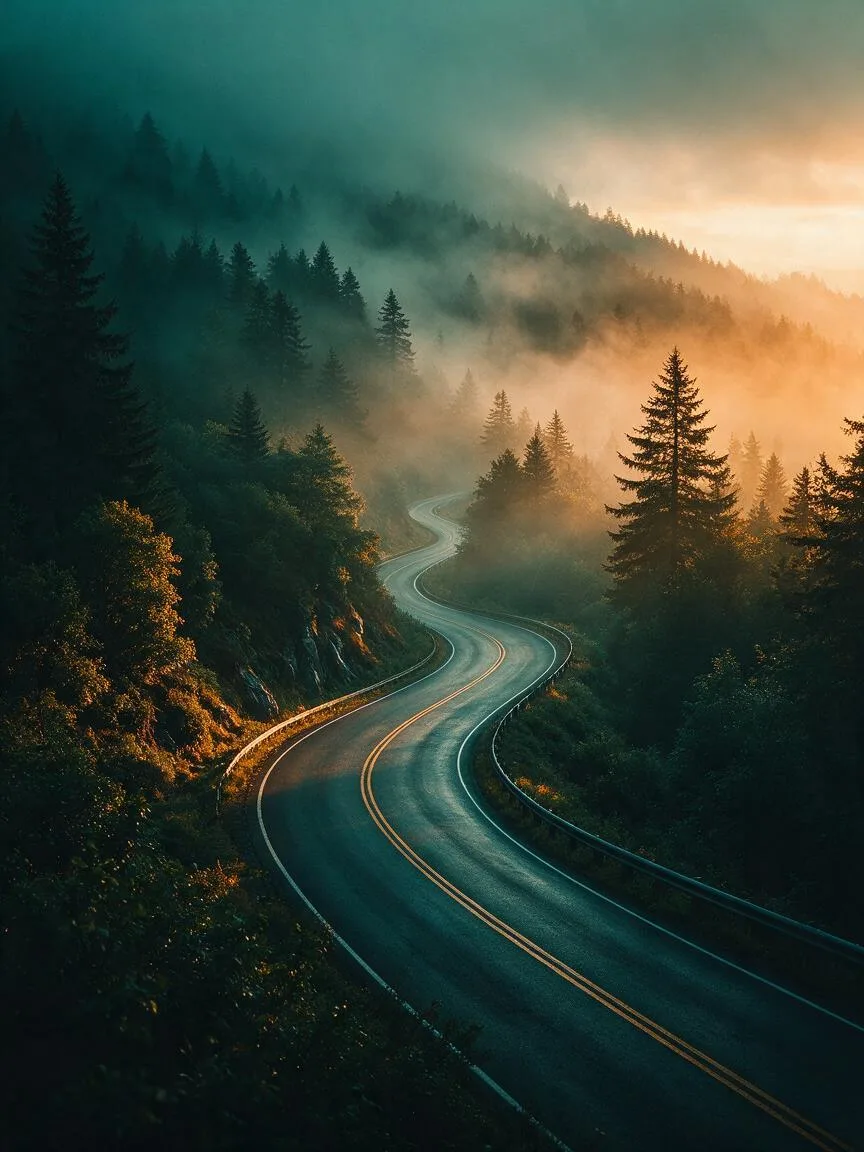
Prompt snippets
A cinematic portrait of a detective in a rainy neon-lit alley, teal and orange color grading, dramatic lighting, highly detailed, 8k --ar 16:9 --style rawCinematic shot, a futuristic car driving through a neon city at night, teal and orange color grading, anamorphic lens flare, high contrast.Cinematic shot, a detective in a trench coat walking down a neon-lit street on a rainy night, teal and orange color grading, strong cool and warm contrast, dramatic lighting, 8k resolution, high detail.Cinematic wide shot, a sci-fi spaceship landing on a dusty planet at sunset, teal and orange color grading, volumetric lighting, epic scale.
What it is
Teal and Orange is one of the most classic color grading strategies in film and video post-production. Based on the principle of complementary colors in color theory, it pushes the dark and shadowed areas of an image toward teal (blue-green) and the bright and highlight areas toward orange. Because human skin tones primarily fall within the orange spectrum, this technique allows the main subject to naturally stand out against a teal background.
Visual and emotional effect
This color grading creates an extreme contrast between cool and warm tones, delivering a strong visual impact. Teal gives the image a calm, deep, technological, or mysterious tone, while orange injects warmth, vitality, or a sense of danger. The overall atmosphere typically carries a strong Hollywood blockbuster feel, modern urban vibe, or sci-fi epic scale.
When to use it
Ideal for scenes requiring an enhanced cinematic look, such as sci-fi films, action blockbusters, urban night scenes, and Cyberpunk style imagery, as well as any portrait photography where the subject’s skin tone needs to be separated from a complex background.
Prompt tips
In AI image or video generation, simply add teal and orange color grading or orange and teal to the prompt to trigger this style. To maximize the effect, combine it with cinematic lighting or rim light. Control the ratio of cool to warm tones to avoid turning the image entirely blue or entirely yellow.
Common mistakes
Teal and Orange is not suitable for every subject. Forcing it in natural landscapes or scenes requiring true-to-life colors will look jarring. Additionally, excessively increasing contrast and saturation can cause color banding, and human skin tones may become unnaturally alien-like. Be sure to include natural skin tone in your prompt to preserve realistic skin colors.